Conversion rate optimization, or CRO, sounds serious. Like a robot in a suit. But it is really simple. It means helping more visitors do the thing you want. Buy. Sign up. Book. Click. Smile. Maybe even tell a friend.
TLDR: CRO tools help you understand what visitors do, where they get stuck, and what makes them say “yes.” Some tools show heatmaps. Some run A/B tests. Some collect feedback. Use the right mix, and your website can turn more traffic into real results.
Why CRO Tools Matter
Traffic is nice. Conversions are nicer.
If 1,000 people visit your site and only 10 buy, that is a 1% conversion rate. If you improve that to 2%, you just doubled results. No extra traffic needed. No magic wand needed. Just better choices.
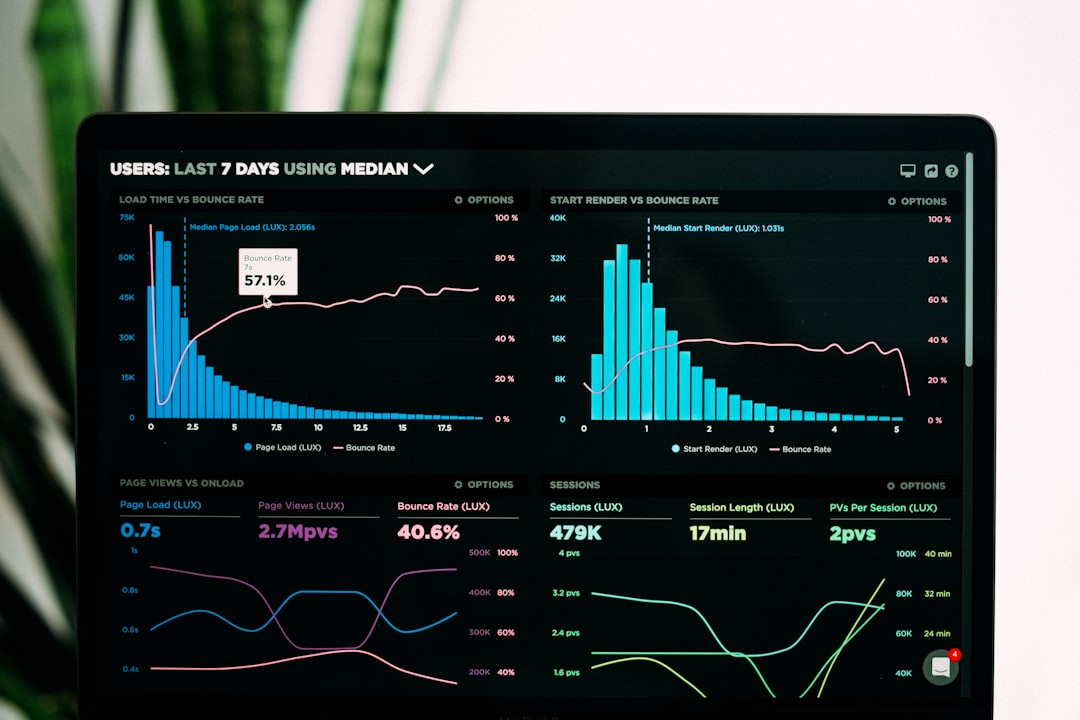
CRO tools help you find clues. They show what people click. They show where people leave. They help you test better headlines, buttons, pages, forms, offers, and layouts.
Think of them as tiny detectives for your website.
25 CRO Tools That Can Improve Conversion Rates
Here are 25 helpful CRO tools. Each one has a job. Some are best for data. Some are best for testing. Some are best for feedback. Together, they make a powerful toolbox.
-
1. Google Analytics 4
Best for: Tracking traffic and user actions.
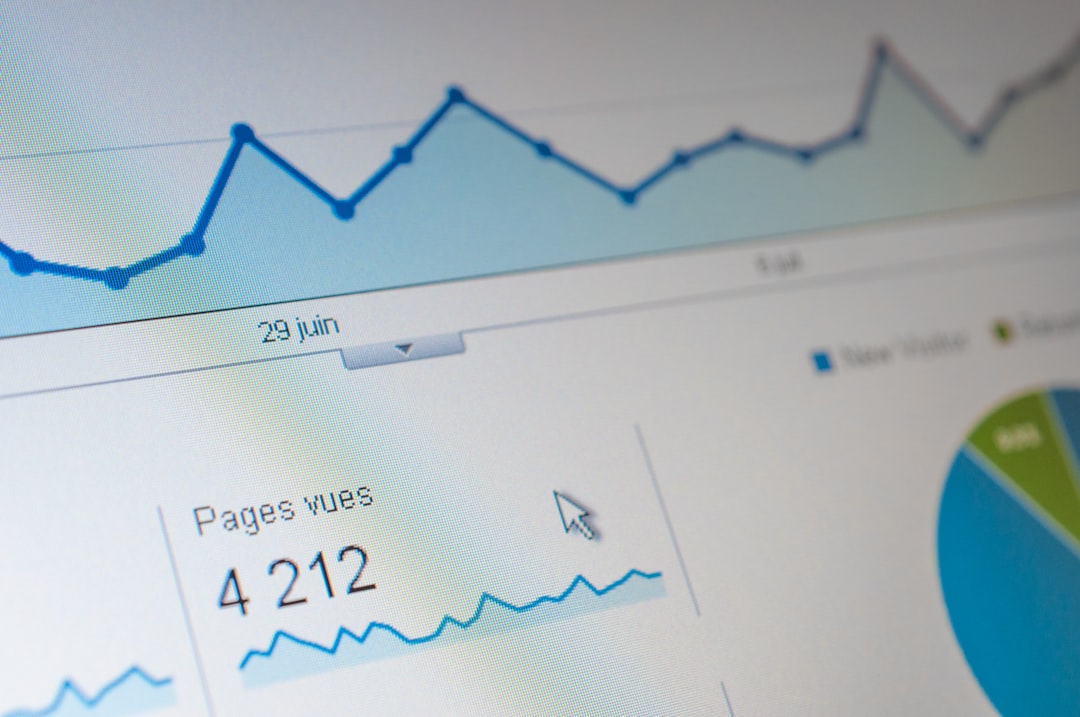
Google Analytics 4 helps you see where visitors come from. It also shows what they do on your site. You can track purchases, form fills, clicks, and more.
Why it helps: You cannot improve what you do not measure.
-
2. Hotjar
Best for: Heatmaps and session recordings.
Hotjar shows where users click, scroll, and move. You can watch real visitor recordings. It is like watching over their shoulder, but in a non-creepy business way.
Why it helps: You spot confusing parts fast.
-
3. Microsoft Clarity
Best for: Free behavior analytics.
Microsoft Clarity gives you heatmaps and recordings. It also shows rage clicks. Those are repeated angry clicks. Yes, your button may be annoying people.
Why it helps: It reveals friction without costing money.
-
4. Crazy Egg
Best for: Visual reports.
Crazy Egg gives heatmaps, scroll maps, and click reports. It helps you see what gets attention and what gets ignored.
Why it helps: You can improve page layout with real data.
-
5. Mouseflow
Best for: Form analytics and recordings.
Mouseflow records user sessions. It also shows where people struggle with forms. Long forms can kill conversions. Mouseflow helps you find the crime scene.
Why it helps: Better forms mean more leads.
-
6. FullStory
Best for: Deep user session insights.
FullStory helps teams watch user journeys in detail. It is useful for products, apps, and complex websites.
Why it helps: You can find bugs, confusion, and drop-off points.
-
7. Contentsquare
Best for: Enterprise experience analytics.
Contentsquare helps larger teams understand digital behavior. It shows journeys, zones, clicks, and revenue impact.
Why it helps: It connects user behavior to business results.
-
8. VWO
Best for: A/B testing and optimization.
VWO lets you test page changes. Try one headline against another. Try a green button against a blue one. Let visitors vote with their clicks.
Why it helps: You stop guessing.
-
9. Optimizely
Best for: Advanced experimentation.
Optimizely is a strong testing platform. It works well for websites, products, and feature tests.
Why it helps: It helps big teams run smarter experiments.
-
10. Convert
Best for: A/B testing with privacy controls.
Convert is useful for split testing and personalization. It is popular with agencies and privacy-focused teams.
Why it helps: You can test ideas while respecting user data.
-
11. AB Tasty
Best for: Testing and personalization.
AB Tasty helps you run experiments. It also lets you personalize content for different visitors.
Why it helps: More relevant pages often convert better.
-
12. Kameleoon
Best for: AI-powered experimentation.
Kameleoon supports A/B testing, feature testing, and personalization. It is built for teams that want smart targeting.
Why it helps: It helps show the right message to the right person.
-
13. Dynamic Yield
Best for: Personalization and product recommendations.
Dynamic Yield helps ecommerce sites show better content and product suggestions. Think “you may also like,” but smarter.
Why it helps: Better recommendations can raise order value.
-
14. Unbounce
Best for: Landing pages.
Unbounce helps you build landing pages without needing a developer. You can test offers, headlines, forms, and calls to action.
Why it helps: Focused landing pages often convert better than busy pages.
-
15. Instapage
Best for: Ad campaign landing pages.
Instapage is made for building polished landing pages. It is helpful when you run paid ads and need message match.
Why it helps: Visitors see exactly what they expected.
-
16. Leadpages
Best for: Simple landing pages and lead capture.
Leadpages makes it easy to create pages, popups, and alert bars. It is friendly for small businesses.
Why it helps: You can collect more leads with less setup.
-
17. Mixpanel
Best for: Product analytics.
Mixpanel tracks actions inside websites and apps. You can see funnels, drop-offs, and user paths.
Why it helps: It shows which actions lead to conversion.
-
18. Amplitude
Best for: User journey analysis.
Amplitude helps product teams understand behavior. It shows cohorts, retention, and funnels.
Why it helps: You learn what keeps people moving forward.
-
19. Heap
Best for: Automatic event tracking.
Heap captures user actions automatically. That means you can answer questions later, even if you did not plan the tracking first.
Why it helps: You miss fewer important clues.
-
20. Lucky Orange
Best for: Heatmaps, chat, and visitor recordings.
Lucky Orange gives you several CRO features in one place. It includes recordings, heatmaps, surveys, and live chat.
Why it helps: You can watch, ask, and help users in real time.
-
21. UserTesting
Best for: Real user feedback.
UserTesting lets you watch people use your site while they talk through their thoughts. This can be pure gold.
Why it helps: You hear what users like, hate, and misunderstand.
-
22. Maze
Best for: Usability testing.
Maze helps you test designs, prototypes, and pages. You can measure success rates and see where people get stuck.
Why it helps: You fix problems before they cost sales.
-
23. Typeform
Best for: Friendly surveys and forms.
Typeform makes surveys feel more human. It asks one question at a time. That can feel easier and less boring.
Why it helps: Better surveys get better answers.
-
24. Qualaroo
Best for: On-site feedback.
Qualaroo lets you ask visitors quick questions while they browse. For example, “What stopped you from buying today?” Prepare for honesty.
Why it helps: You learn the reason behind the numbers.
-
25. Intercom
Best for: Live chat and customer messaging.
Intercom helps you talk to visitors and customers. You can answer questions, guide users, and send helpful messages.
Why it helps: Fast answers can save conversions.
How to Pick the Right CRO Tools
You do not need all 25 tools. Please do not try to use everything at once. That is how dashboards become spaghetti.
Start with your biggest question.
- Need to know what is happening? Use analytics tools.
- Need to know where users click? Use heatmaps.
- Need to compare two ideas? Use A/B testing tools.
- Need to hear from users? Use surveys and testing tools.
- Need better landing pages? Use landing page builders.
A simple starter stack could be Google Analytics 4, Microsoft Clarity, one survey tool, and one A/B testing tool. That is plenty. You can add more later.

A Simple CRO Workflow
Here is a simple way to use these tools without getting lost.
- Measure. Look at your analytics. Find pages with traffic and low conversions.
- Watch. Use heatmaps and recordings. Look for confusion.
- Ask. Use surveys. Find out what visitors need.
- Guess smart. Create a clear hypothesis. For example, “A shorter form will increase signups.”
- Test. Run an A/B test if you have enough traffic.
- Learn. Keep winners. Learn from losers. Losers are teachers in ugly shoes.
Common CRO Mistakes
CRO is fun. But it can go sideways.
- Testing tiny things too soon. Button color may matter. But offer, copy, and layout often matter more.
- Ignoring mobile users. Your page may look great on desktop and terrible on a phone.
- Stopping tests too early. Wait for enough data before cheering.
- Copying competitors blindly. Their audience is not always your audience.
- Forgetting speed. Slow pages make people vanish like socks in a dryer.
Final Thoughts
CRO tools do not magically fix a weak offer. They do not turn a confusing page into a superstar by themselves. But they do show you what to fix.
Use them like a playful scientist. Look. Ask. Test. Learn. Repeat.
The best CRO tool is not always the fanciest one. It is the one that helps you make better decisions. Start small. Stay curious. And remember: every click is a clue.