Use a 20W or higher USB-C Power Delivery charger if you want to fast charge your iPhone. Most iPhone models from iPhone 8 onward can reach about 50% charge in around 30 minutes with the right adapter and cable [source: Apple].
TLDR: Get a 20W USB-C charger and the correct cable. For an iPhone 14 or older, use a USB-C to Lightning cable. For iPhone 15 or newer, use a USB-C to USB-C cable. Example: if your phone is at 5%, plugging into a 20W charger before breakfast can push it close to 50% by the time you find your keys.
What You Need to Fast Charge an iPhone
Fast charging is not magic. It is just the right charger, the right cable, and a phone that supports it.
Here is the simple shopping list:
- iPhone 8 or newer
- 20W or higher USB-C charger
- USB-C to Lightning cable for iPhone 8 through iPhone 14
- USB-C to USB-C cable for iPhone 15 and newer
- A wall outlet that is not loose, tired, or hiding behind a sofa
The old tiny 5W iPhone charger still works. It is just slow. Painfully slow. Honestly, it feels like watching paint dry while your battery crawls from 12% to 13%.
Which Chargers Are Compatible?
Look for the words USB-C PD or Power Delivery. That is the key. A charger can be tiny and still be powerful. It does not need to look like a brick from a laptop bag.
Good options include:
- Apple 20W USB-C Power Adapter
- 30W USB-C charger
- 35W dual USB-C charger
- 45W, 65W, or 100W USB-C laptop charger
Yes, you can use a higher watt charger. Your iPhone will not swallow all 100W like a hungry robot. It only takes what it can handle. The charger offers power. The phone decides how much to use.
This is why a MacBook USB-C charger can charge an iPhone just fine. It may look like overkill. But it is safe when it is a proper USB-C PD charger.
Which Cable Should You Use?
The cable matters more than people think.
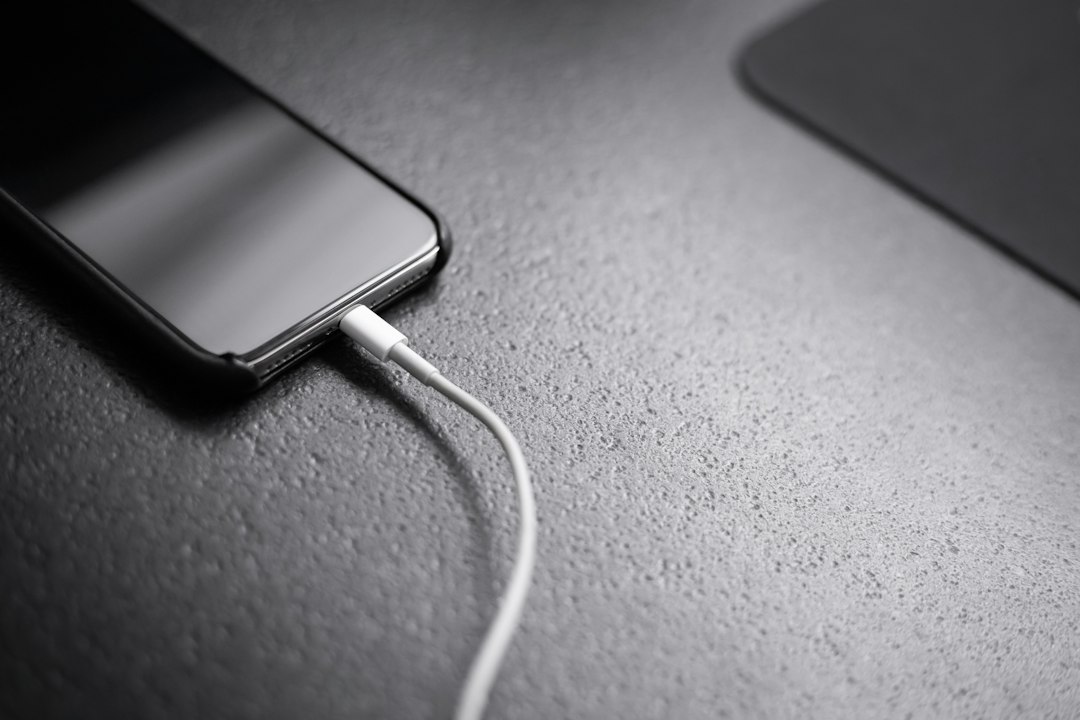
If you have an iPhone 14 or older, use a USB-C to Lightning cable. The old USB-A to Lightning cable will charge your phone, but it will not give you the same fast charging speed.
If you have an iPhone 15, iPhone 15 Pro, or newer, use a USB-C to USB-C cable. Apple switched the iPhone to USB-C, which is easier. At last. One less cable mess in the drawer.
Try to use a certified or trusted cable. Cheap mystery cables can be weird. Some charge slowly. Some stop working after two weeks. Some make you question your life choices.
How Fast Is “Fast”?
Fast charging is fastest when your battery is low. Going from 0% to 50% is much quicker than going from 80% to 100%.
That is normal. Your iPhone slows down near the top to protect the battery. Think of it like filling a glass of water. You pour fast at first. Then you slow down near the rim so it does not spill.
Apple says fast charging can take supported iPhones to about 50% in around 30 minutes with the right setup [source: Apple].
Can MagSafe Fast Charge?
Yes, but wired charging is usually faster.
MagSafe can charge many iPhones at up to 15W when used with a proper power adapter. Regular Qi wireless charging is often slower, usually around 7.5W for iPhones.
MagSafe is great for desks and nightstands. It snaps on. It looks neat. It feels cool. But if you are at 9% and leaving in 20 minutes, use a cable.
Tips to Charge Faster
Want every bit of speed? Do these things:
- Use a wall charger. Laptop ports can be slower.
- Turn on Airplane Mode if you do not need calls or data.
- Stop gaming while charging. Games eat power and make heat.
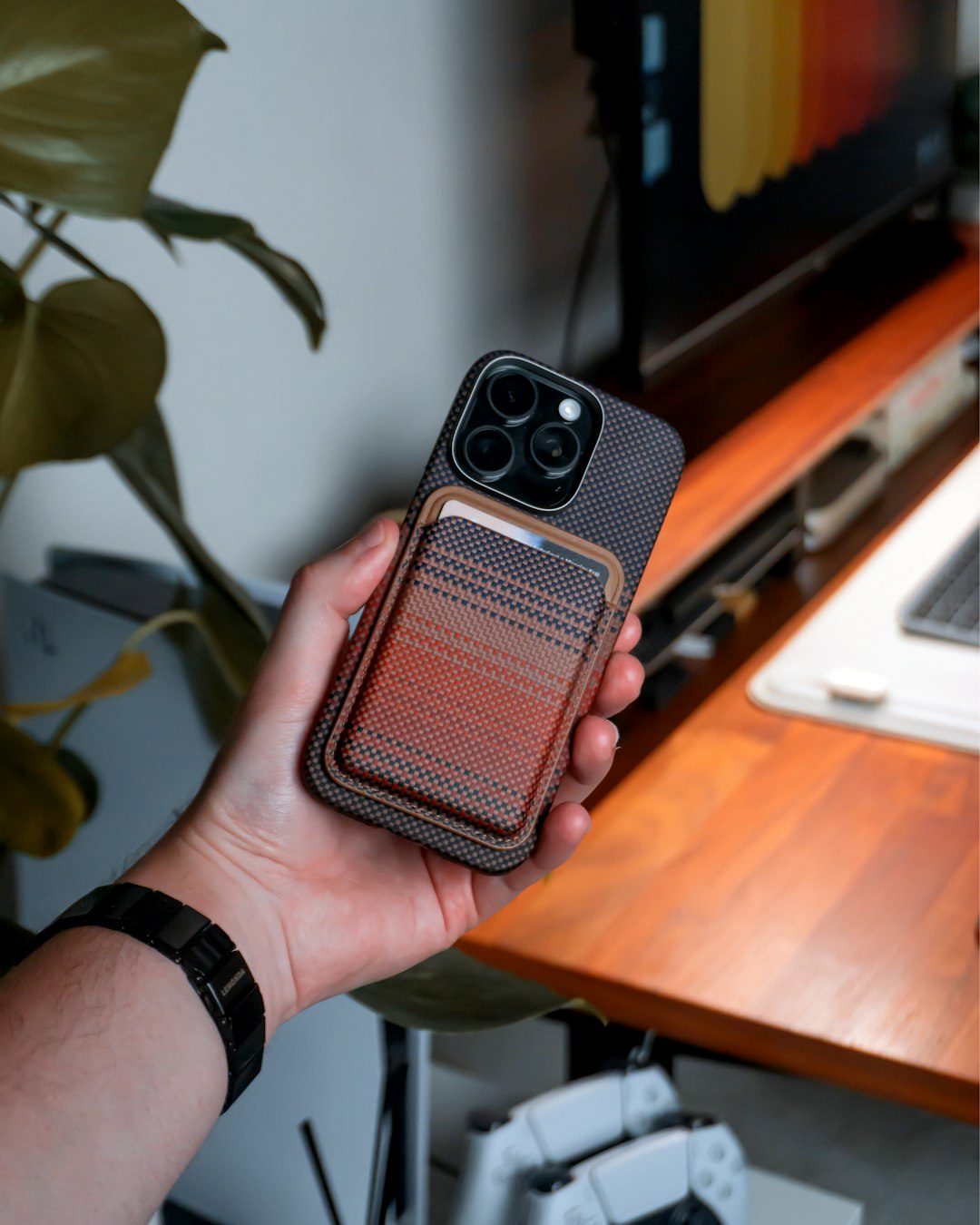
- Take off a thick case if the phone feels warm.
- Keep the phone cool. Heat slows charging.
- Use the right cable. USB-C is your friend here.
- Plug straight into the wall. Skip weak power strips when possible.
The heat part matters. Your iPhone will slow charging if it gets too warm. It is annoying, but it is trying to protect the battery. Leaving it under a pillow while charging is a bad idea. It also feels a bit dramatic. Your phone does not need a blanket.
Why Your iPhone Stops at 80%
If your iPhone pauses around 80%, do not panic. It may be using Optimized Battery Charging. This feature learns your routine and finishes charging closer to when you usually unplug.
You can check it here:
- Open Settings.
- Tap Battery.
- Tap Battery Health & Charging.
- Look for Optimized Battery Charging.
This feature helps reduce battery aging. But if you need 100% right now, your iPhone may show an option to charge fully sooner.
Common Mistakes That Slow Charging
These little things can wreck your charging speed:
- Using an old 5W USB-A charger
- Using a damaged cable
- Charging from a car USB port
- Using a wireless pad that is not MagSafe or Qi2
- Keeping the phone in direct sun
- Streaming video while charging
It drives me crazy that some chargers look powerful but are not. Check the tiny text on the adapter. If it says 5V 1A, that is the old slow life. If it says 20W or mentions PD, you are in better shape.
The Best Simple Setup
For most people, the best setup is easy:
- iPhone 14 or older: 20W USB-C charger plus USB-C to Lightning cable
- iPhone 15 or newer: 20W USB-C charger plus USB-C to USB-C cable
- Desk setup: MagSafe charger plus 20W USB-C adapter
- Travel setup: 30W dual USB-C charger for iPhone and earbuds
You do not need the most expensive charger. You need the right type. Buy a trusted USB-C PD charger, use a good cable, and keep the phone cool. That is the whole trick.
Quick rule: if you want speed, go wired. If you want comfort, use MagSafe. If you want peace, throw the 5W cube into the junk drawer and let it retire.