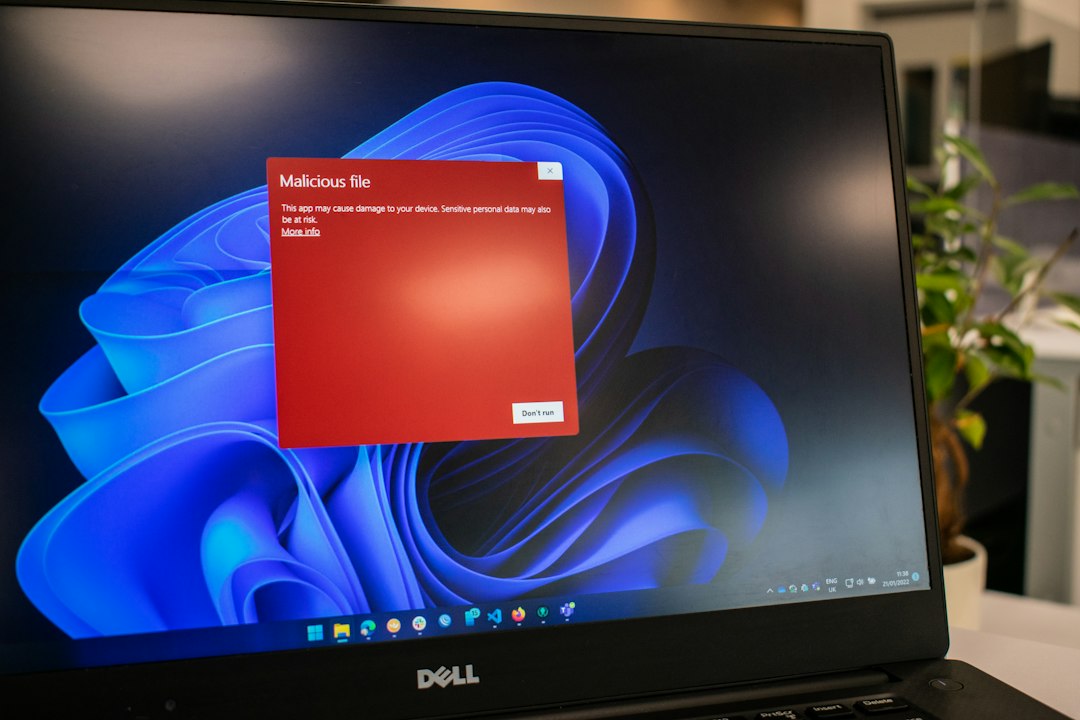
A Trojan horse virus is malicious software that hides behind something that looks safe, such as a fake invoice, cracked app, game mod, browser update, or email attachment. It tricks the user into opening the door. Security labs see more than 450,000 new malicious files and unwanted apps each day [source: AV TEST], so detection tools matter.
TLDR: A Trojan is not “just a virus.” It is usually a disguised program that can steal passwords, install spyware, or give attackers remote access. For example, a fake shipping receipt could install a banking Trojan in seconds. In a 25-person office, even one infected laptop can expose shared drives, saved browser logins, and customer files, so using a tested malware scanner is a basic safety step.
What does a Trojan do?
A Trojan gets its name from the old Greek story. It looks useful on the outside. Inside, it carries trouble.
Unlike a classic virus, a Trojan does not always copy itself from file to file. It often depends on a person clicking something. That makes it nasty. The irritating part is that many Trojans look boring and normal. A PDF. A login screen. A “free” installer. Nothing dramatic.
Once opened, a Trojan may:
- Steal passwords from browsers and password files.
- Install spyware to watch activity.
- Open a backdoor for remote control.
- Download ransomware after the first infection.
- Grab banking details through fake forms.
- Add the device to a botnet for spam or attacks.
Common signs of a Trojan infection
A Trojan can stay quiet, but there are clues. A computer may run hot while idle. Browser settings may change. New apps may appear. Security tools may turn off by themselves. Pop-ups may show up even when the browser is closed.
Another warning sign is strange network use. A laptop that sends data at 2 a.m. can be worth checking. Honestly, it feels like the worst infections are the quiet ones. They do not announce themselves. They just sit there and collect data.
5 malware detection tools compared
No single scanner is perfect. The best choice depends on the device, budget, skill level, and whether the user needs home protection or business control.
| Tool | Best for | Strengths | Annoyances |
|---|---|---|---|
| ESET | Lightweight protection | Fast scans, strong detection, low system impact, good settings for skilled users. | Some menus feel too technical for casual users. |
| Malwarebytes | Second-opinion scanning | Good at finding adware, Trojans, browser junk, and unwanted apps. | Real-time protection needs a paid plan, and full scans can feel slow on older PCs. |
| Sophos | Families and small teams | Cloud control, web filtering, ransomware defense, simple remote management. | Setup can take longer than expected, especially for non-technical users. |
| Bitdefender | Strong all-around defense | High detection rates, phishing protection, ransomware shields, useful autopilot tools. | It can push extra features and alerts that some users will never need. |
| Microsoft Defender | Built-in Windows protection | Free with Windows, automatic updates, solid baseline protection, no extra install. | Advanced controls are scattered across Windows settings, which wastes time. |
Which tool is best?
ESET is a smart pick for users who want strong protection without slowing the computer down. It suits people who like clean performance and do not mind a few technical options.
Malwarebytes is useful when a device already feels infected. Many technicians use it as a cleanup tool. It is especially good for annoying browser hijackers, fake alerts, and suspicious installers.
Sophos makes sense for parents, freelancers, and small offices that need remote control. A manager can check several devices from one panel. That is helpful when no one wants to walk from desk to desk fixing the same problem.
Bitdefender is the polished option. It has strong protection and many extra tools. The downside is clutter. Some users may spend more time closing feature prompts than they would like.
Microsoft Defender is good enough for many careful Windows users. It should not be dismissed just because it is free. Still, high-risk users may want another scanner for extra checks.
How to reduce Trojan risk
- Do not install cracked software. It is one of the easiest ways to get infected.
- Check file extensions. A file named invoice.pdf.exe is not a PDF.
- Keep apps updated. Old browsers and plugins are easy targets.
- Use standard accounts. Admin access gives malware more power.
- Turn on multi-factor authentication. Stolen passwords become less useful.
- Back up files. Use a backup that malware cannot easily edit.
FAQ
Is a Trojan horse the same as a virus?
No. A virus usually spreads by infecting other files. A Trojan hides as something useful and waits for the user to run it.
Can a Trojan steal passwords?
Yes. Many Trojans are built to steal browser logins, banking details, cookies, and saved credentials.
Can antivirus software remove a Trojan?
Often, yes. Tools like ESET, Malwarebytes, Sophos, Bitdefender, and Microsoft Defender can detect and remove many Trojans. Severe infections may need offline scanning or a full system reset.
What is the best free Trojan scanner?
Microsoft Defender is the best built-in free option for Windows. Malwarebytes Free is also useful for manual cleanup scans.
What should someone do after finding a Trojan?
The person should disconnect from the internet, run a full scan, remove the threat, change passwords from a clean device, and check bank or work accounts for suspicious activity.