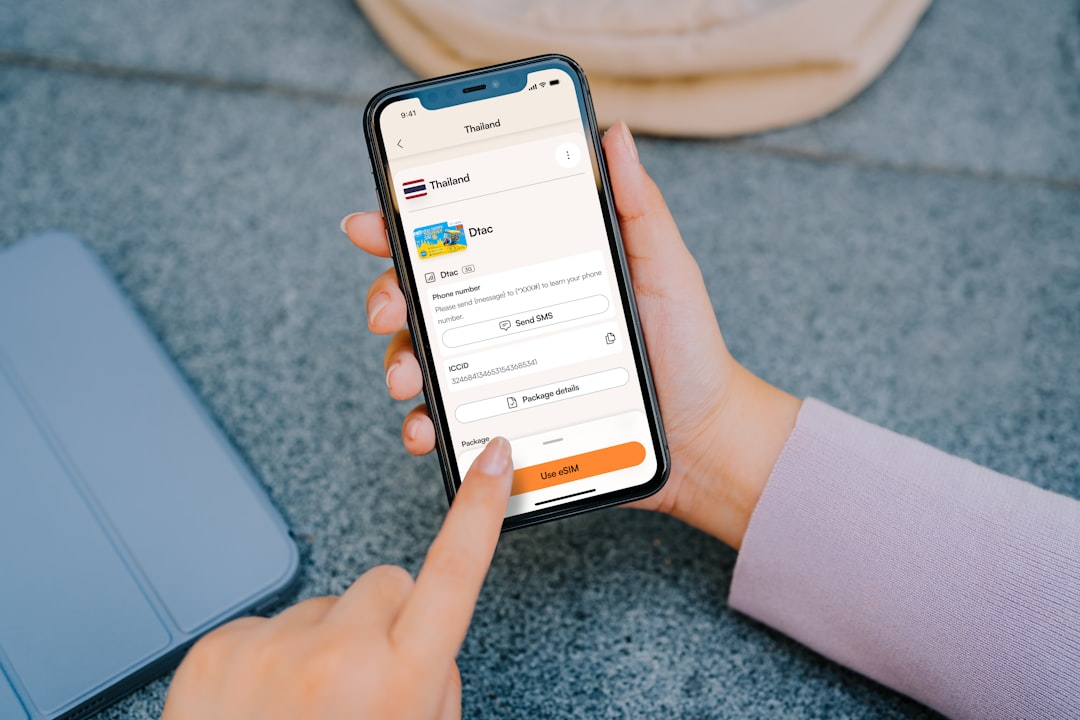
Zelle did not vanish, but its stand-alone app has been wound down for most people. Zelle now wants you to send money through your bank or credit union app instead. Zelle says its stand-alone app is no longer available for new downloads, and users should check their bank app for access [source: Zelle].
TLDR: Zelle is still alive. The separate Zelle app is the part that changed. If your bank supports Zelle, you can still send money there, often in under a few minutes. Example: if you owe your roommate $650 for rent, you may open your bank app, tap Zelle, and send it without using a separate Zelle app.
So, what happened to Zelle?
Zelle became a bank-first tool.
That is the simple answer.
For years, some people used Zelle inside apps like Chase, Bank of America, Wells Fargo, Capital One, and many credit union apps. Other people used the stand-alone Zelle app. That second option is the one causing confusion.
Honestly, it feels weird when a money app seems to disappear overnight. You search for it. You tap around. You wonder if your phone broke. Nope. The app access just changed.
Zelle is now focused on payments inside banking apps. That is where most users already were. It also gives banks more control over identity checks, account links, and support.
Can you still use Zelle?
Yes, if your bank or credit union offers it.
Open your bank app. Look for words like:
- Zelle
- Send Money
- Transfer
- Payments
- Pay People
If you see Zelle there, you are good. You can send money using an email address or mobile number.
If you do not see it, your bank may not support Zelle. Or it may hide it in a menu with a less obvious name. It drives me a little nuts when banks bury useful tools three taps deep.
Why did Zelle move away from the separate app?
The short answer is trust and scale.
Zelle was built by banks. It fits best inside bank apps. Banks already know who you are. They can link accounts faster. They can also handle alerts, limits, and support.
The stand-alone app had a smaller role. It helped people whose banks did not offer Zelle. But as more banks added Zelle, that app became less useful.
There is also the scam problem.
Zelle payments are fast. That is great when you are paying your cousin for pizza. It is not great when you send money to a fake seller. In many cases, Zelle payments cannot be pulled back like a card charge.
Rule of thumb: use Zelle for people you know. Not strangers. Not “urgent” online deals. Not a seller who says, “Trust me.” Please do not trust that guy.
What if your bank does not have Zelle?
You still have options. A lot of them.
Here are the easiest Zelle alternatives:
- Venmo: Great for friends, rent splits, lunch, and casual payments. Social features can be fun, or annoying. Set payments to private if you care.
- Cash App: Simple and quick. Good for personal payments. Also offers a debit card and investing tools.
- PayPal: Useful for online shopping and international payments. It feels a bit older, but it is widely accepted.
- Apple Cash: Nice if you and the other person both use iPhones. It works inside Messages.
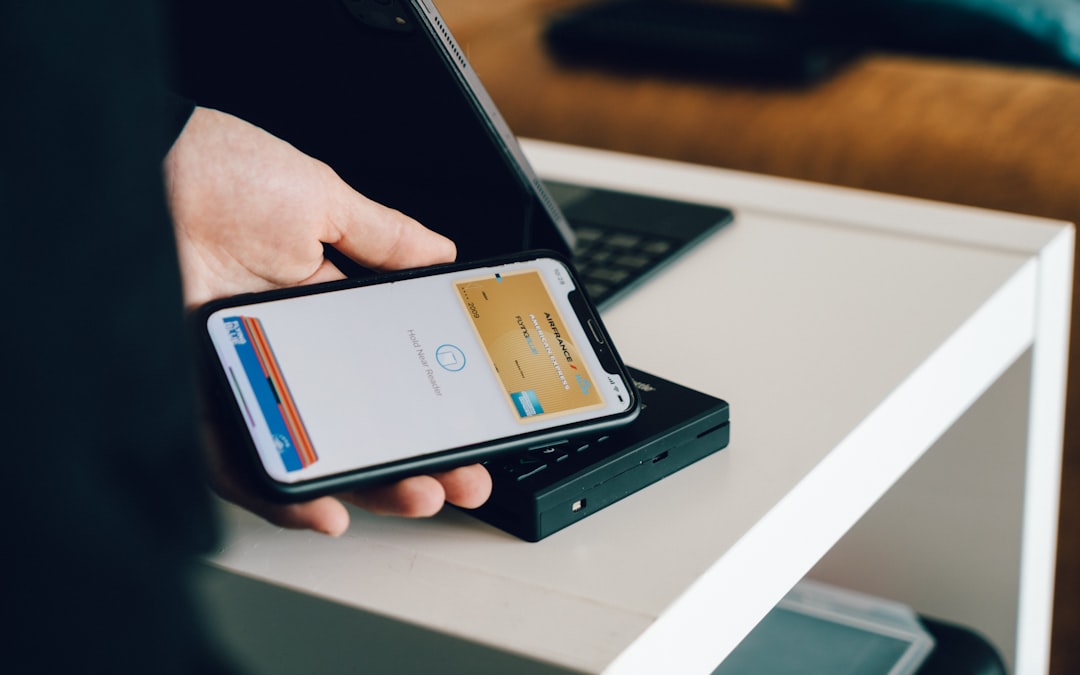
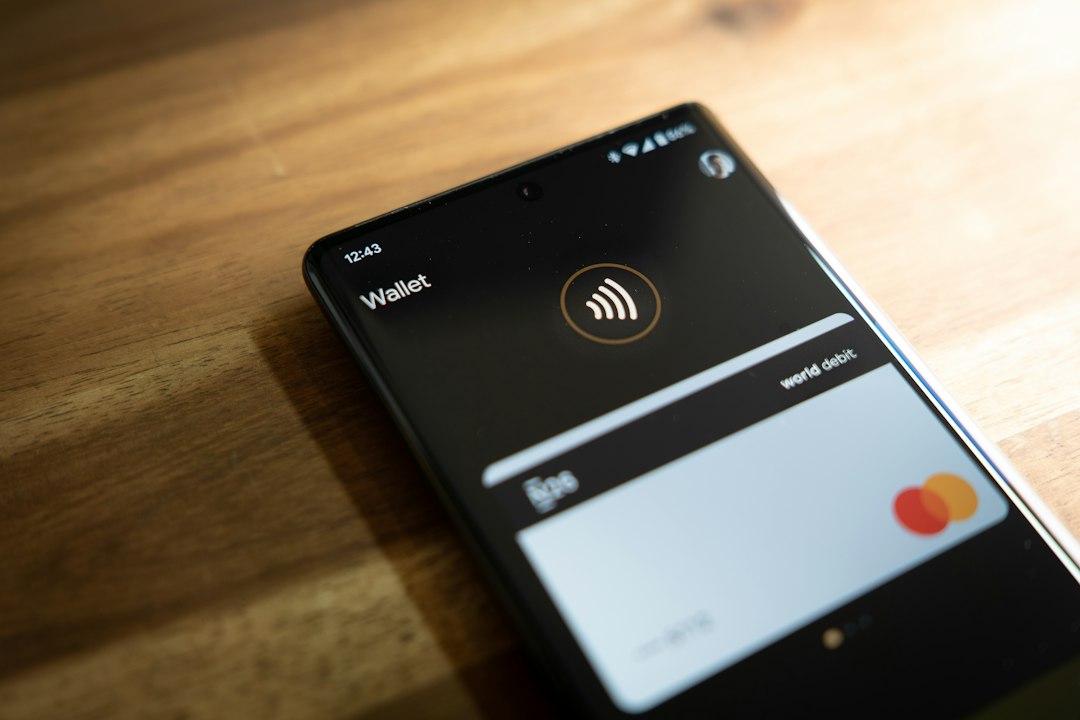
- Google Wallet: Handy for tap to pay and some simple money features, depending on your region.
- Bank transfer: Not flashy. Still useful. Good for larger payments when speed is not urgent.

Which payment app should you pick?
Pick based on the person you are paying.
That sounds boring. It is also the truth.
If your landlord wants Zelle, use Zelle through your bank. If your friend uses Venmo, use Venmo. If your cousin only has Cash App, use Cash App.
Still, here is a simple cheat sheet:
- Best for bank-to-bank payments: Zelle
- Best for friend groups: Venmo
- Best for quick casual payments: Cash App
- Best for online purchases: PayPal
- Best for iPhone users: Apple Cash
Watch out for fees and timing
Zelle is often free through banks. Many payments arrive fast. But banks can set their own limits.
Venmo and Cash App may charge for instant transfers to your bank. Standard transfers are often free, but they can take longer. Expect to waste a few extra seconds checking which button costs money. The “instant” button is usually the sneaky one.
PayPal can also have fees. This is common with business payments, card payments, and some international transfers.
Read the final screen before you tap send. Yes, it is boring. Do it anyway.
What about safety?
Use some common sense. Then add two more layers.
- Turn on two-factor login.
- Check the phone number before sending.
- Send $1 first if it is a new payee.
- Do not pay strangers with Zelle.
- Ignore pressure like “send now or lose the deal.”
The bottom line
Zelle is not dead. The separate app is the part that changed.
If your bank supports Zelle, you can still use it there. If not, Venmo, Cash App, PayPal, Apple Cash, and bank transfers can fill the gap.
The best choice is the one that is safe, easy, and accepted by the person you need to pay. Simple wins. Especially when money is involved.