The best way to move Spotify music to an MP3 player is to use legally owned audio files, not Spotify’s offline cache. Spotify downloads are encrypted and play only inside the Spotify app, even with Premium, as Spotify explains in its offline listening help page [source: Spotify]. That means a basic MP3 player cannot simply accept Spotify songs over USB and play them like normal MP3 files.
TLDR: A listener cannot directly transfer downloaded Spotify tracks to a standard MP3 player because the files are locked to the Spotify app. The cleanest options are buying MP3s, using already owned music files, or choosing a portable player that supports Spotify itself. For example, a runner with a 16 GB MP3 player could fit roughly 3,000 to 4,000 MP3 songs at common bitrates, but those tracks must be real audio files, not Spotify downloads. Apps claiming “Spotify to MP3 in one click” often waste time, break rules, or produce messy files with missing titles and album art.
Why Spotify Songs Do Not Transfer Like MP3 Files
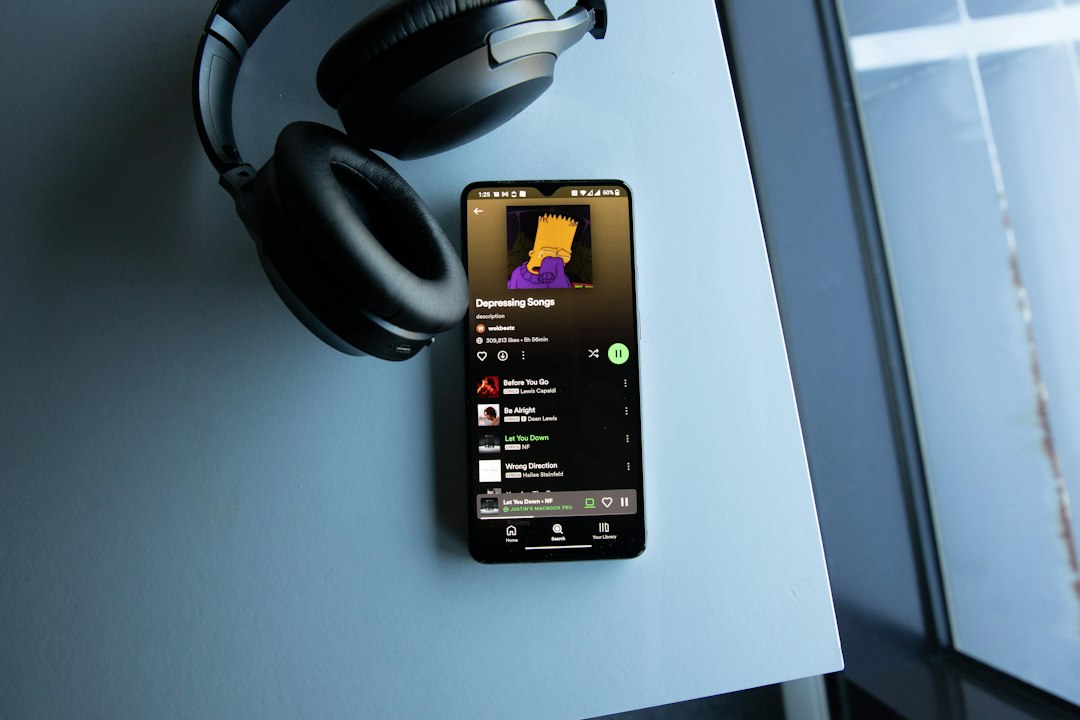
Spotify is a streaming service, not a download store. Its offline mode saves protected files for app playback. Those files are not standard MP3, AAC, FLAC, or WAV files that a portable player can read.
The catch is, this feels unfair when a Premium user has already downloaded albums for offline listening. Still, the download is a rental-style cache. It is tied to the account, the device, and the Spotify app. A simple drag-and-drop transfer to a USB MP3 player will not work.
Best Method 1: Buy the Music as MP3 Files
The most reliable path is to buy tracks or albums from stores that provide downloadable audio files. Once a listener owns regular MP3 files, transferring them is easy.
- Buy MP3s from a trusted music store or artist website.
- Download the files to a computer.
- Connect the MP3 player by USB cable.
- Copy the songs into the Music folder on the device.
- Eject safely before unplugging.
This method works with most basic players from SanDisk, AGPTEK, Sony, Ruizu, and similar brands. It also keeps song files usable across phones, car stereos, laptops, and microSD cards.
Honestly, it feels like the least annoying option after the first setup. There are no login errors. No expired downloads. No surprise message saying the device must reconnect to the internet.
Best Method 2: Use Music Already Owned on a Computer
Many listeners already have old CDs, Bandcamp downloads, Amazon MP3 purchases, or ripped personal music files on a laptop. Those files can be copied to an MP3 player with almost no extra software.
- Open the folder that contains the music files.
- Check that the files are in a supported format, such as MP3, WAV, or sometimes FLAC.
- Plug in the MP3 player.
- Open the player’s storage folder.
- Drag albums or playlists into the device’s music folder.
If the player does not show songs correctly, the issue is often folder structure or tags. Some cheap players sort by file name instead of album metadata. Renaming files as 01 Song Title.mp3, 02 Song Title.mp3, and so on can save a lot of irritation.
Best Method 3: Use a Spotify Compatible Portable Player
Some portable devices support Spotify directly. This is the closest real answer for anyone who specifically wants Spotify playlists on a small music device.
Examples include:
- Smartphones used without cellular service.
- iPod touch models that can run the Spotify app.
- Android based music players with Wi Fi and app support.
- Some Garmin watches with Spotify offline playback.
- Mighty audio players, designed for Spotify and selected services.
This route does not convert Spotify to MP3. Instead, the player runs Spotify in an approved way. Premium is usually needed for offline playback. Wi Fi is also needed from time to time to refresh downloads. For gym users, walkers, and commuters, this can be far simpler than managing thousands of files by hand.
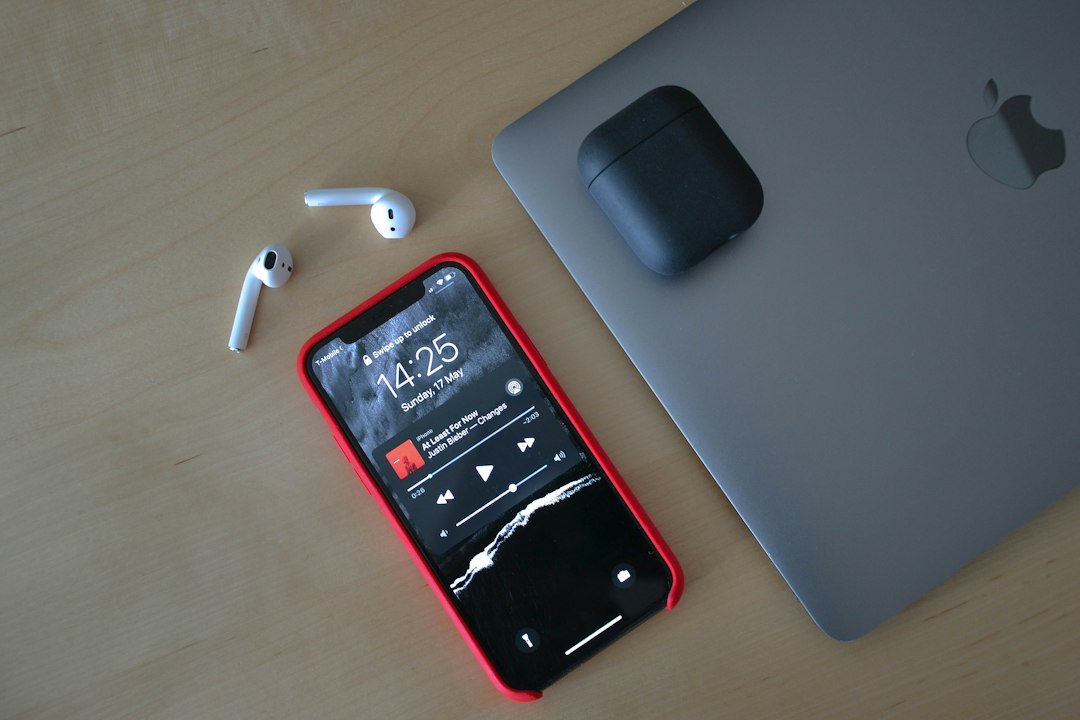
Best Method 4: Use Spotify to Plan, Then Rebuild the Playlist
Spotify is still useful even when the final files must come from somewhere else. A listener can use Spotify to build the playlist, test the song order, and discover missing tracks. Then they can buy or download legal copies from stores, artists, or existing music collections.
A practical process looks like this:
- Create the playlist in Spotify.
- Sort it by mood, workout pace, artist, or era.
- Export or manually copy the track list.
- Buy or gather matching audio files.
- Copy the finished folder to the MP3 player.
This works well for road trips, kids’ players, senior-friendly devices, and school-safe music players with no internet access. It takes longer up front, but the final library stays available without monthly checks.
What About Spotify to MP3 Converter Tools?
Many websites advertise Spotify to MP3 converters. They often promise fast downloads, perfect quality, and full playlist export. Users should be careful. These tools may violate Spotify’s terms, remove protection from streamed content, or install unwanted software.
There is another problem: quality control. Some tools record audio in real time, which means a 2 hour playlist can take 2 hours to capture. Others produce files with clipped beginnings, wrong metadata, repeated ads, or random volume jumps. Expect to waste time on cleanup if the process is not from a legitimate music source.
For users who care about legality, stability, and sound quality, buying or using owned files is safer.
How to Transfer MP3 Files to an MP3 Player
Once the correct files are ready, transfer is simple.
- Connect the device: Use the USB cable that came with the player.
- Select file transfer mode: Some devices ask for charging or storage mode. Pick storage.
- Open the device folder: It may appear as a drive on Windows or as a mounted device on macOS.
- Create folders: Use folders such as Workout, Road Trip, or Albums.
- Copy music: Drag MP3 files into the chosen folder.
- Eject the player: This helps prevent corrupted files.
Which File Format Works Best?
MP3 is the safest choice. Nearly every MP3 player supports it. A bitrate of 192 kbps is fine for casual listening. 256 kbps or 320 kbps gives better quality, but uses more storage.
FLAC sounds better, but not every device supports it. It also takes much more space. For small players with 8 GB or 16 GB storage, MP3 usually makes more sense.
FAQ
Can Spotify songs be transferred directly to an MP3 player?
No. Spotify offline songs are encrypted and work only inside the Spotify app. A standard MP3 player cannot read them.
Is there a legal way to put Spotify playlists on an MP3 player?
Yes, but not by copying Spotify downloads. A listener can buy the same songs as MP3 files, use owned music, or choose a portable device that supports the Spotify app.
Do Spotify to MP3 converters work?
Some may create audio files, but they often break service rules and may carry security risks. Results can also be messy, slow, or low quality.
What is the easiest MP3 player for Spotify users?
A Wi Fi device that runs Spotify is easiest. Examples include an old smartphone, an Android music player, a compatible smartwatch, or a dedicated Spotify music player.
What format should be used for a basic MP3 player?
MP3 at 256 kbps or 320 kbps is a strong choice. It balances sound quality, file size, and device support.
Can CD music be copied to an MP3 player?
Yes. If the listener owns the CD, the tracks can be ripped to MP3 on a computer and then copied to the player by USB.