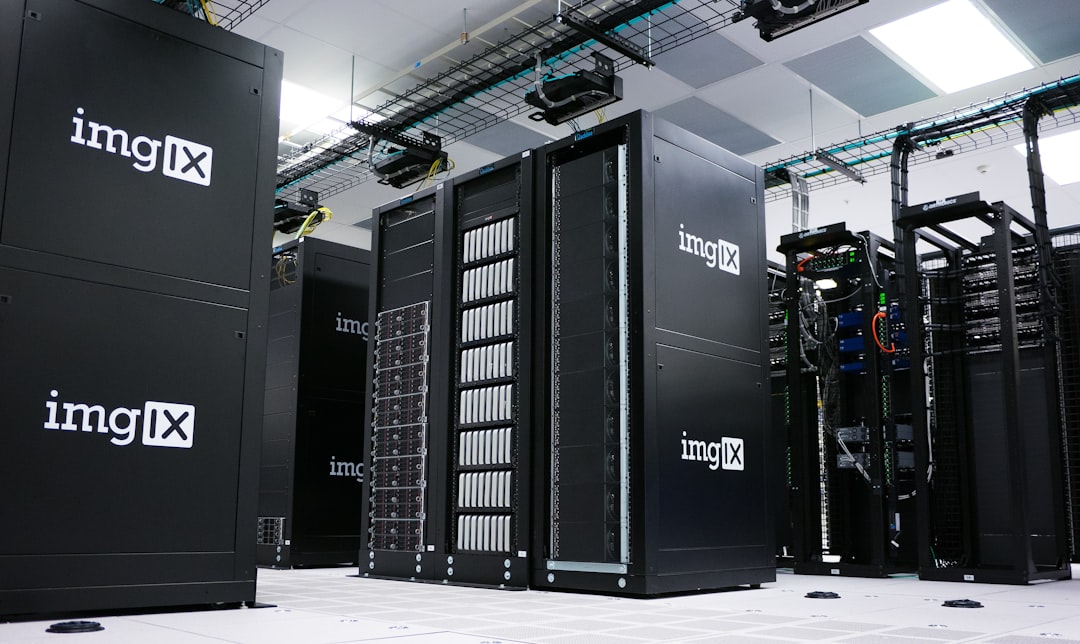
An Application Service Provider, or ASP, is a company that hosts and runs software for customers from a remote data center, usually with a separate instance or customized setup for each client. The model helped businesses outsource software operations before SaaS and modern cloud platforms became common.
TLDR: An ASP delivers hosted software, but it often feels closer to outsourced IT than to modern SaaS. SaaS usually serves many customers from one shared platform, while ASP setups are more likely to involve dedicated servers, custom installs, and heavier maintenance. For example, a 60 person logistics firm might cut internal server costs by 35% with an ASP, but still wait two weeks for upgrades that a SaaS tool would roll out overnight. The tradeoff is control versus speed.
What Is an Application Service Provider?
An Application Service Provider is a third party that provides access to software over a network. The customer does not install and operate the full system in house. Instead, the ASP hosts the application, manages the infrastructure, handles backups, and often provides technical support.
This model became popular in the late 1990s and early 2000s. At the time, many companies wanted enterprise software but did not want to buy servers, hire database administrators, or manage upgrades. ASPs offered a practical answer: rent access to software and let someone else run it.
Typical ASP offerings included:
- Accounting and ERP systems for mid sized companies.
- Customer relationship management applications.
- Human resources and payroll systems.
- Email, collaboration, and document management tools.
- Industry specific software for healthcare, legal, finance, or logistics firms.

How the ASP Model Works
In a classic ASP model, the provider hosts the software in its own data center or rented facility. Users connect through a browser, remote desktop session, VPN, or private network. The ASP may run a separate copy of the software for each customer, especially when the application was not originally built for web delivery.
This is the key point. Many ASP solutions were traditional software hosted remotely. They were not always redesigned for shared online use. That explains why older ASP contracts often included setup fees, custom integration work, manual upgrades, and strict service terms.
The catch is that legacy ASP setups often made simple fixes feel oddly slow. A report field change that takes 30 seconds in a modern SaaS admin panel could take three support tickets and 12 extra business days. That is not a small irritation when finance or operations teams are waiting.
ASP vs SaaS: The Core Difference
Software as a Service, or SaaS, grew from some of the same ideas as ASP, but it changed the technical and commercial model. SaaS applications are usually built from the start to be delivered through the web. They are designed for many customers to use the same codebase, with updates applied centrally.
| Area | ASP Model | SaaS Model |
|---|---|---|
| Architecture | Often separate instances or hosted legacy software | Usually multi tenant and web native |
| Updates | May be scheduled per customer | Rolled out centrally to all users |
| Customization | Often deeper, but slower and costly | Usually configuration based |
| Pricing | Can include hosting, support, setup, and service fees | Often subscription per user, tier, or usage |
| Scalability | May require manual capacity planning | Typically built for elastic growth |
SaaS is not always better. ASP arrangements can still make sense when software is highly specialized, heavily customized, or tied to regulated processes. Yet SaaS generally wins on speed, usability, and update frequency.
How ASP Differs From Modern Cloud Software
Modern cloud software goes beyond simply hosting an application somewhere else. It often uses cloud infrastructure, automated deployment, containerization, managed databases, identity services, monitoring, and API based integration.
That means a cloud native application can scale resources during peak demand, recover from failure faster, and release changes with less manual work. An ASP may provide reliable hosting, but reliability depends more on the provider’s operational discipline than on built in cloud design.

Modern cloud software also tends to support self service administration. A business user can add seats, change a workflow, connect a payment tool, or export data without waiting for a provider’s technician. Honestly, it feels archaic when a hosted system still needs a formal request just to add a user role.
Why Businesses Chose ASPs
The ASP model solved real problems. It reduced the need for internal infrastructure and gave smaller firms access to business systems that once required large IT departments.
Common reasons included:
- Lower upfront spending: Companies avoided buying servers and software licenses at full cost.
- Outsourced support: The provider handled backups, patches, and uptime tasks.
- Faster initial deployment: A hosted setup could be quicker than building an internal environment.
- Access to expertise: Some ASPs specialized in complex industry software.
- Predictable operations: Monthly service contracts helped with budgeting.
For a medical billing company, for example, an ASP could host claims software, maintain database backups, and support secure remote access for employees. That saved the firm from running its own server room. It also placed vendor management, uptime reviews, and contract controls at the center of the relationship.
Where ASP Models Fall Short
ASP models can become restrictive. Since many are based on older software, performance and usability may lag behind modern SaaS products. Integrations can be harder. Security reporting may be less transparent. Upgrades may require downtime or extra fees.
Watch for these weak points:
- Slow updates caused by customized customer environments.
- Limited integration with current APIs and automation tools.
- Unclear data ownership or difficult export terms.
- Extra charges for storage, backups, support hours, or upgrades.
- Dependency on one vendor for both application and hosting operations.
A serious buyer should ask for uptime history, recovery time targets, data export procedures, security certifications, and a clear exit plan. If the provider cannot explain how your data comes back to you, treat that as a major risk.
When an ASP Still Makes Sense
An ASP can still be the right choice when an organization depends on specialized software that has no strong SaaS replacement. This is common in niche manufacturing, legal case management, public sector workflows, and older ERP systems.
It may also suit companies that need dedicated environments for compliance or performance reasons. Some firms prefer a provider-managed private setup because it gives them more control over upgrade timing and system behavior.
The decision should be based on risk, cost, and operating needs. If the business needs standard CRM, project management, email, or help desk software, SaaS is usually cleaner. If the business needs an old but mission critical system hosted with expert care, an ASP may still earn its place.
Practical Buying Checklist
Before signing an ASP contract, review the arrangement like an outsourcing deal, not just a software subscription.
- Confirm where the application and data are hosted.
- Ask whether your system is single tenant or shared.
- Review uptime guarantees and service credits.
- Check backup frequency and restore testing records.
- Demand clear terms for data export and contract termination.
- Compare total cost over three years against SaaS and cloud native options.
The simplest definition is this: an ASP hosts and manages application access for customers, often using older or more dedicated delivery methods. SaaS is a standardized web subscription model. Modern cloud software is usually built for automation, scale, APIs, and frequent improvement from the start.
Understanding that difference prevents bad expectations. An ASP may provide stability and hands on support. SaaS may provide speed and easy adoption. Modern cloud platforms may provide scale and integration depth. The right choice depends on how much control, customization, cost certainty, and update speed your organization actually needs.