Social media can feel like a loud food court. Everyone is talking. Trends move fast. Your boss wants answers. And you need to know which posts worked, which ones flopped, and what to do next. That is where SocialSight comes in.
TLDR: SocialSight is a social media analytics tool that helps teams track performance, spot trends, and understand audience behavior. It is useful for marketers, agencies, and small brands that want clearer reports without getting buried in spreadsheets. For example, a fashion store could find that Instagram Reels drive 42% more engagement than image posts, then shift more effort there. Pricing may vary, so it is smart to compare it with tools like Sprout Social, Hootsuite, Buffer, and Metricool.
What Is SocialSight?
SocialSight is a social media analytics platform. Its job is simple. It helps you see what is happening across your social channels.
Think of it like a fitness tracker for your brand. Instead of counting steps, it counts likes, clicks, comments, shares, reach, and follower growth. It shows what is healthy. It also shows what needs a little cardio.
The main goal is to turn messy social data into clear insights. You can use those insights to improve content, plan campaigns, and report results.

Who Is SocialSight Best For?
SocialSight can be useful for many types of users. But it is not for everyone.
It is a good fit for:
- Small business owners who want to know which posts bring attention.
- Marketing teams that need simple reporting.
- Agencies that manage several client accounts.
- Content creators who want to grow faster.
- Ecommerce brands that track campaigns and product posts.
It may be less useful if you only post once a month. In that case, free native analytics from Instagram, TikTok, LinkedIn, or Facebook may be enough.
Main SocialSight Features
Let’s break the features down in plain English. No buzzword soup.
1. Social Media Performance Tracking
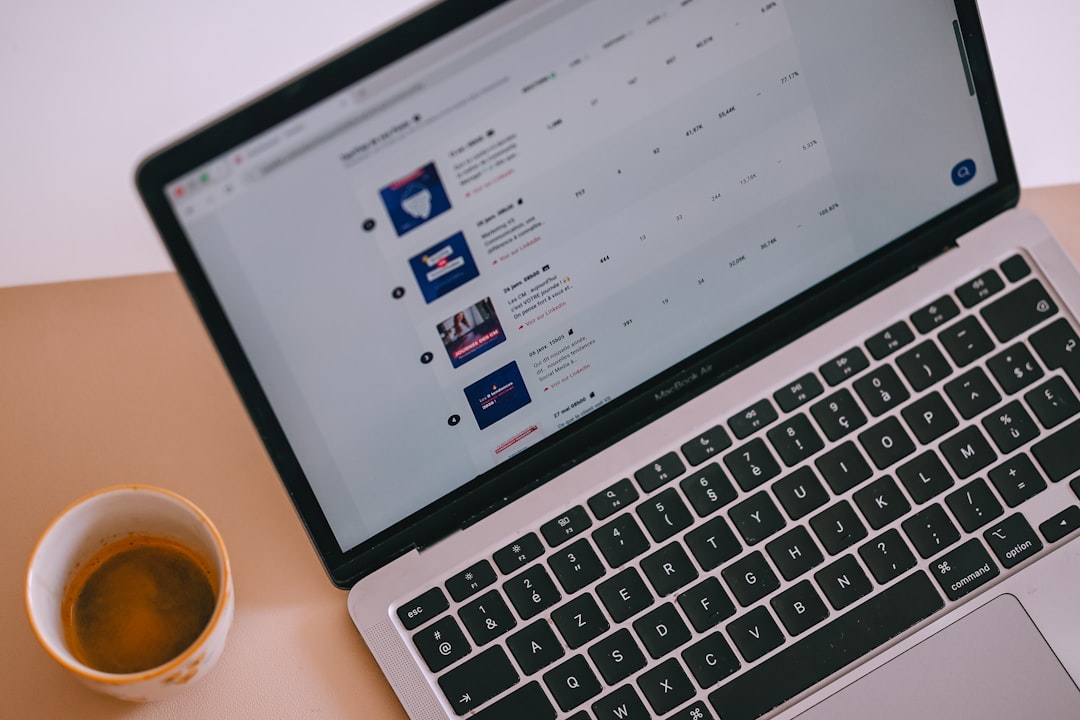
This is the core feature. SocialSight tracks your main numbers across social platforms.
That can include:
- Follower growth
- Post reach
- Impressions
- Engagement rate
- Likes and reactions
- Comments
- Shares
- Clicks
This helps you answer the big question: “Is our content actually working?”
2. Engagement Insights
Engagement is more than likes. It tells you if people care.
SocialSight can help show which posts get people talking. Maybe your short videos are strong. Maybe your carousels are boring. Maybe your memes are secretly carrying the whole team.
These insights help you make better content decisions. You can stop guessing. That is always nice.
3. Audience Analytics
Your audience is not just a number. It is made of real people. SocialSight may help you understand details like location, age groups, activity times, and interests.
This is helpful because timing matters. If your audience is most active at 7 p.m., posting at 8 a.m. may be like throwing a party while everyone is at work.
4. Competitor Tracking
Some analytics tools let you compare your performance with competitors. If SocialSight includes this in your plan, it can be very useful.
You can see what rivals are doing well. You can also spot gaps. Maybe they post daily but get low engagement. Maybe they win with tutorials. Maybe their comment section is full of questions you can answer better.

5. Reports and Dashboards
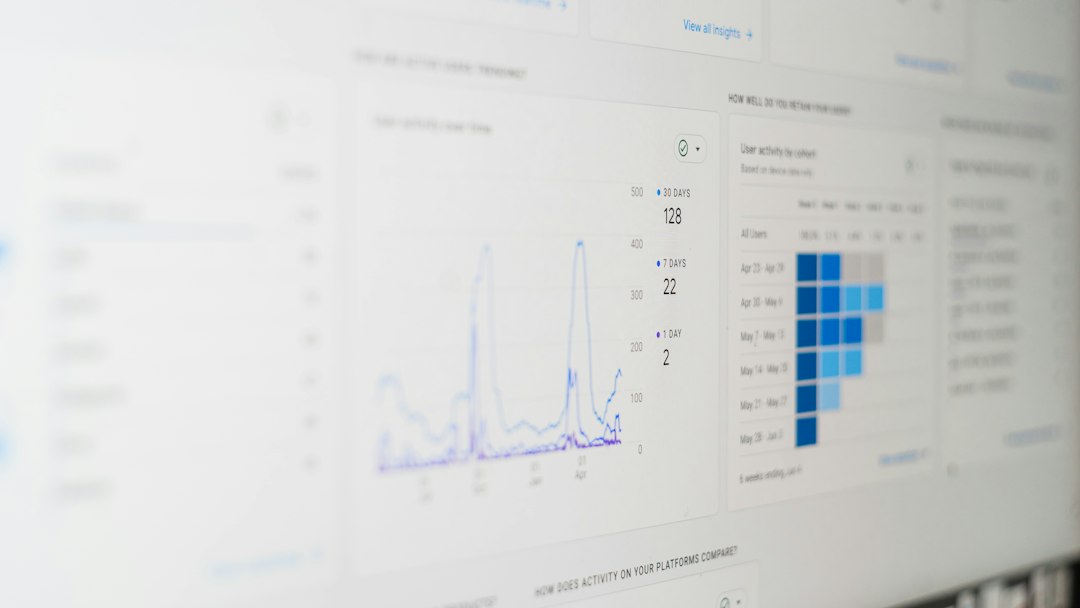
Reports are where the magic gets useful. A good dashboard saves time. It shows the key numbers in one place.
This is great for teams and clients. Instead of sending five screenshots and a nervous email, you can share a clean report.
Good reports should answer:
- What grew?
- What dropped?
- Which posts performed best?
- Which platform brought the most value?
- What should we do next?
6. Campaign Tracking
If you run campaigns, you need tracking. A campaign could be a product launch, giveaway, holiday sale, event push, or influencer collaboration.
SocialSight can help group campaign data so you see results clearly. This matters because one viral post is fun. But proof is better.
For example, a skincare brand may run a 14-day campaign. It could track 28 posts, 19 stories, and 6 influencer mentions. If engagement jumps by 31%, the team can show what caused the lift.
SocialSight Pricing
Pricing for tools like SocialSight can change. It may depend on users, connected accounts, features, reports, and data history. So always check the official pricing page before buying.
In general, social media analytics tools often follow these plan types:
- Starter plan: Best for solo users or small brands.
- Growth plan: Better for teams with several channels.
- Agency plan: Built for multiple clients and reports.
- Enterprise plan: Custom pricing, more support, and advanced features.
Before choosing a plan, ask these questions:
- How many social profiles can I connect?
- Can I export reports?
- Is competitor tracking included?
- How much historical data is available?
- Does it support my main platforms?
- Are team seats included or extra?
Tip: Do not pay for a giant plan if you only need basic monthly reports. That is like buying a tour bus to drive to the grocery store.
Pros and Cons of SocialSight
Every tool has strengths and weaknesses. SocialSight is no different.
Pros
- Easy way to view social data in one place.
- Helpful reporting for teams, clients, and managers.
- Better content decisions based on real numbers.
- Useful campaign tracking for launches and promotions.
- Potential time saver compared with manual spreadsheets.
Cons
- Pricing may not suit everyone, especially tiny brands.
- Feature access may depend on plan level.
- Advanced users may want deeper tools for listening or custom data.
- Platform support should be checked before signing up.
Best SocialSight Alternatives
It is smart to compare tools. Not because SocialSight is bad. Because your workflow matters. The best tool is the one your team will actually use.
1. Sprout Social
Sprout Social is a strong option for larger teams. It offers analytics, publishing, social listening, inbox tools, and team workflows.
It is polished and powerful. But it can be expensive. It is best for teams that need more than basic reporting.
2. Hootsuite
Hootsuite is one of the classic social media tools. It supports scheduling, monitoring, and analytics.
It is useful if you want a mix of planning and reporting. Some users may find the interface busy, but it has many features.
3. Buffer
Buffer is simple and friendly. It is popular with small businesses, creators, and lean teams.
Its analytics are easier to understand than many heavy tools. If you want clean scheduling with basic insights, Buffer is worth a look.
4. Metricool
Metricool offers analytics, scheduling, competitor tracking, and ad reporting in one place.
It is often seen as a good value pick. It works well for freelancers, small agencies, and brands that want broad reporting without too much complexity.
5. Later
Later is great for visual planning. It is especially popular for Instagram, TikTok, and Pinterest workflows.
If your brand is very visual, Later can be a strong choice. It is good for planning feeds, scheduling posts, and checking content performance.
How to Choose the Right Tool
Here is the simple method. Pick based on your real needs, not shiny features.
- List your main platforms. Make sure the tool supports them.
- Decide what matters most. Analytics, scheduling, listening, or reports?
- Check report quality. Can you share results easily?
- Compare pricing. Include extra users and accounts.
- Use a free trial if available. Click around before paying.
If you run an agency, reporting may be your top need. If you are a creator, post performance may matter most. If you are a large brand, social listening and team permissions may be essential.
Final Verdict
SocialSight is a useful option for social media analytics if you want clearer data and better reports. It can help you understand what works, what fails, and where to focus next.
Its biggest value is clarity. Instead of drowning in platform tabs, you get a cleaner view of your social performance. That can save time and improve decisions.
Still, compare it with alternatives before choosing. Sprout Social is strong for larger teams. Buffer is simple. Metricool is flexible. Hootsuite is broad. Later is great for visual brands.
The best choice is the one that makes your social media less chaotic. And if it helps you explain your results without opening a 47-tab spreadsheet monster, that is a win.