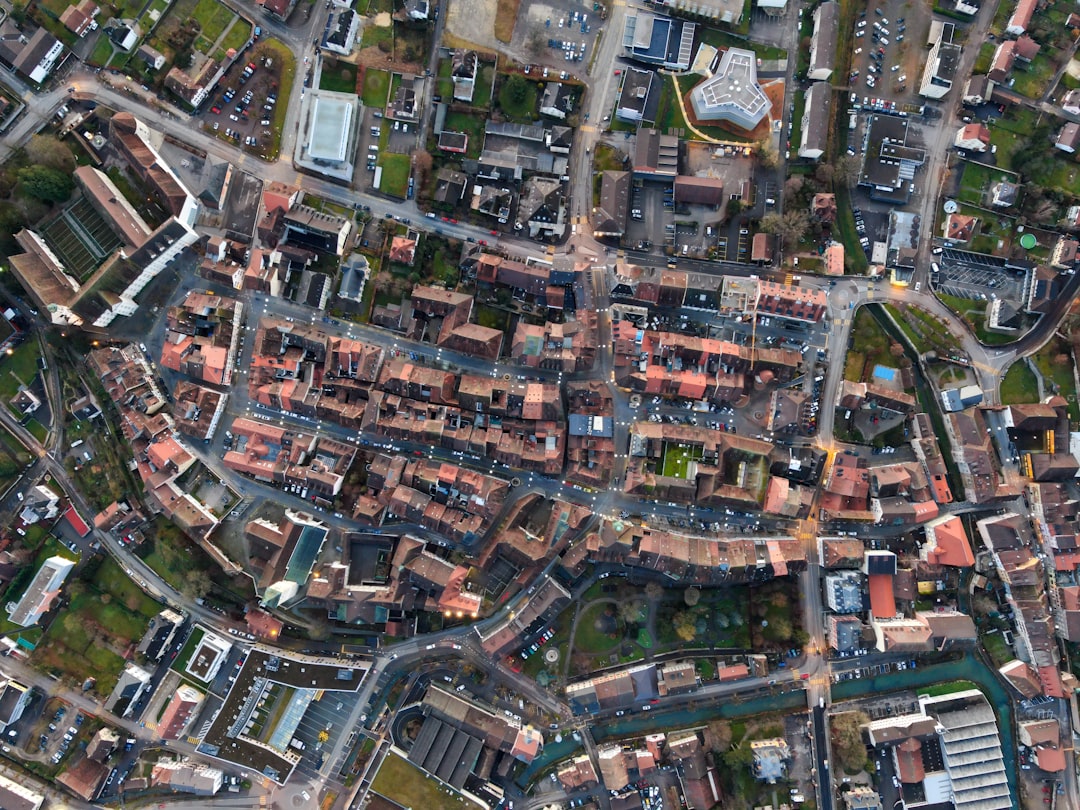
Google Earth is amazing. You can zoom from space to your street in seconds. You can visit mountains, cities, oceans, and tiny islands without leaving your chair. But it is not the only magic map in town.
TLDR: The best Google Earth alternatives include NASA Worldview, OpenStreetMap, Zoom Earth, ArcGIS Earth, and Bing Maps. Some are better for live weather. Some are better for maps, hiking, data, or simple exploring. If you want fun satellite views, start with Zoom Earth or NASA Worldview.
Why look for a Google Earth alternative?
Google Earth is great. But it may not fit every need. Maybe you want fresher weather images. Maybe you want open map data. Maybe you need tools for school, work, travel, or just pure map nerd fun.
Different tools do different things well. Some show clouds and storms almost live. Some let you edit streets and paths. Some are made for serious map data. Others are simple and fast.
So grab your virtual backpack. Let’s explore the best options.

1. NASA Worldview
Best for: Weather, fires, storms, and science fans.
NASA Worldview is like Google Earth with a lab coat. It uses real satellite data from NASA. You can see clouds, smoke, dust, snow, sea ice, wildfires, and more.
It is not mainly for street views or 3D buildings. It is for looking at Earth as a living, changing planet. That makes it very cool.
You can slide through dates. You can see how a storm moved. You can check wildfire smoke. You can watch ice shrink and grow. It feels like time travel, but with satellites.
Why it is fun: You can see Earth doing Earth things. Big storms look wild. Volcano ash looks spooky. Ocean colors look beautiful.
- Pros: Real NASA data, great for weather, free to use.
- Cons: Not ideal for street-level exploring.
- Try it if: You love science, climate, and natural events.
2. Zoom Earth
Best for: Live weather maps and quick satellite views.
Zoom Earth is simple. That is its superpower. Open it, and boom. You get a clean satellite map with weather layers.
You can watch clouds move. You can track hurricanes. You can view radar, wind, rain, fire spots, and temperature. It feels fast and easy.
It is great if you want a map that looks alive. Google Earth is more about exploring places. Zoom Earth is more about seeing what is happening right now.
Why it is fun: Hurricanes look like giant spinning cinnamon rolls. Clouds swirl. Storms march across the map. It is dramatic.
- Pros: Very easy, weather focused, nice design.
- Cons: Not packed with deep map tools.
- Try it if: You want a fast, beautiful weather globe.
3. OpenStreetMap
Best for: Open maps, local details, and community data.
OpenStreetMap, or OSM, is not the same as Google Earth. It is more like a giant map made by people all over the world. Think of it as Wikipedia, but for roads, trails, parks, cafes, bus stops, and bike paths.
The best part is that anyone can help improve it. If a new path appears in your town, someone can add it. If a shop closes, someone can fix it. This makes it very useful in many places.
OSM is loved by hikers, cyclists, developers, and map fans. It may not give you shiny 3D planet views. But it has rich map detail.
Why it is fun: You can become a map hero. Add a bench. Fix a trail. Name a tiny footpath. Your town gets better on the map.
- Pros: Open data, great local detail, community made.
- Cons: No fancy Google Earth style 3D globe.
- Try it if: You care about trails, streets, and open maps.

4. ArcGIS Earth
Best for: Professional mapping and geographic data.
ArcGIS Earth is made by Esri. Esri is a big name in GIS. GIS means Geographic Information Systems. That sounds fancy. It really means maps plus data.
ArcGIS Earth lets you view 2D and 3D maps. You can work with layers. You can load special map files. You can inspect terrain and locations.
This tool is stronger than simple map apps. It is useful for planning, research, engineering, emergency work, and education. If Google Earth feels like a fun telescope, ArcGIS Earth feels like a control room.
It may be too much for casual users. But if you need serious map power, it is worth a look.
- Pros: Strong GIS tools, 3D support, professional features.
- Cons: Can feel complex for beginners.
- Try it if: You work with maps, data, land, cities, or planning.
5. Bing Maps
Best for: Simple maps, aerial views, and travel planning.
Bing Maps is an easy Google Maps alternative. It is not exactly a Google Earth clone. But it has strong aerial imagery and road maps. It is also simple to use.
You can search places. You can plan routes. You can view traffic. In some areas, the bird’s eye view is very nice. It gives an angled view of buildings and streets. That can feel more natural than a straight-down satellite image.
Why it is fun: Bird’s eye view makes cities look like tiny model towns. It is like being a very calm superhero floating above traffic.
- Pros: Easy to use, good aerial views, useful directions.
- Cons: Less immersive than Google Earth.
- Try it if: You want a simple map with solid aerial imagery.
6. Mapbox
Best for: Custom maps and app builders.
Mapbox is different. It is not mainly for casual exploring. It is a platform for making beautiful custom maps. Many apps use Mapbox in the background.
If you are a designer, developer, or startup person, Mapbox can be exciting. You can change map colors. You can add data. You can build maps for travel, fitness, delivery, real estate, games, and more.
For normal users, it may not replace Google Earth. But for creators, it is a playground.
- Pros: Beautiful custom maps, developer friendly, flexible.
- Cons: Not made for simple globe exploring.
- Try it if: You want to build maps, not just look at them.
7. Sentinel Hub EO Browser
Best for: Satellite image history and Earth observation.
Sentinel Hub EO Browser is a cool tool for viewing satellite data. It uses sources like Sentinel and Landsat. These satellites watch Earth often. That means you can compare places over time.
You can look at farms, forests, fires, floods, lakes, and cities. You can use different viewing modes. Some show natural color. Others reveal plants, moisture, or burn areas.
This tool is more technical than Google Earth. But it is powerful. It is great for students, researchers, and curious people.
Tip: If the colors look strange, do not panic. Some satellite views use special bands. They are designed to reveal hidden details.
Quick comparison
- Best for live weather: Zoom Earth.
- Best for science data: NASA Worldview.
- Best open map: OpenStreetMap.
- Best for professionals: ArcGIS Earth.
- Best simple travel map: Bing Maps.
- Best for custom maps: Mapbox.
- Best for satellite research: Sentinel Hub EO Browser.
Which one should you choose?
If you just want to look around the planet, try Zoom Earth. It is quick, clean, and exciting. If you love storms, clouds, and fires, it is a winner.
If you want real science data, choose NASA Worldview. It is perfect for learning how Earth changes day by day.
If you care about paths, local roads, and open data, choose OpenStreetMap. It is practical and community powered.
If you need map layers and professional tools, choose ArcGIS Earth. It is built for serious work.
If you want a normal map with aerial views, choose Bing Maps. It is simple and friendly.
Final thoughts
Google Earth is still one of the coolest ways to explore our planet. But it is not alone. The world of map tools is big, bright, and full of surprises.
Want storms? Use Zoom Earth. Want NASA data? Use NASA Worldview. Want open streets and trails? Use OpenStreetMap. Want serious map power? Try ArcGIS Earth.
The best choice depends on your mission. Are you a traveler, student, storm watcher, hiker, builder, or data detective? Pick your tool. Then zoom out, zoom in, and enjoy the planet.