The best Pencil AI alternatives are AdCreative.ai, Creatopy, Omneky, Quickads, and Canva Magic Studio. They help teams turn rough campaign ideas into ad concepts, banners, product visuals, and video ads without starting from a blank screen. That matters because U.S. digital ad revenue reached $225 billion in 2023 [source: IAB].
TLDR: If you want fast ad concepts, start with AdCreative.ai or Quickads. If you need polished brand visuals, try Creatopy or Canva Magic Studio. If you run paid ads at scale, Omneky is built for bigger testing cycles. For example, a small Shopify brand could create 20 hooks, 10 static ads, and 5 short video ads in one afternoon, then test the top 3 winners the next day.
Why look beyond Pencil AI?
Pencil AI is useful. No argument there. It can help produce ad ideas and creative assets fast.
Still, not every team works the same way. Some need better templates. Some need bulk resizing. Some need video first. Some just want fewer weird AI faces in their ads. Honestly, it feels like many ad tools still need a human with coffee and patience sitting nearby.
So here are five solid options. Each one has a clear role.

1. AdCreative.ai
Best for: Fast ad creatives and campaign concepts.
AdCreative.ai is built for people who need ads now. Not next week. Not after six meetings. You can add your brand info, pick a goal, and create lots of ad variations.
It is great for paid social teams. It helps with headlines, text, and visual layouts. You can make graphics for platforms like Facebook, Instagram, LinkedIn, and Google ads.
What makes it useful:
- Creates many ad versions quickly.
- Helps with copy and visuals.
- Good for A/B testing.
- Works well for ecommerce and lead gen.
The catch is: some designs can feel a bit samey. You may still need to clean up layouts. Expect to spend a few extra minutes picking winners from the batch.
2. Creatopy
Best for: Visual ad production and brand control.
Creatopy is a strong choice if your team makes lots of banner ads. It shines when you need clean display ads in many sizes. Think web banners, social graphics, animated ads, and branded templates.
This tool is less about wild idea generation. It is more about turning approved ideas into polished marketing visuals. That is huge for teams with strict brand rules.
Why teams like it:
- Great for resizing ads.
- Useful brand kits.
- Good animation tools.
- Strong workflow for teams.
Pick Creatopy if your biggest pain is making the same ad in 14 sizes. It saves time there. A lot of time.
3. Omneky
Best for: Data-backed ad testing at scale.
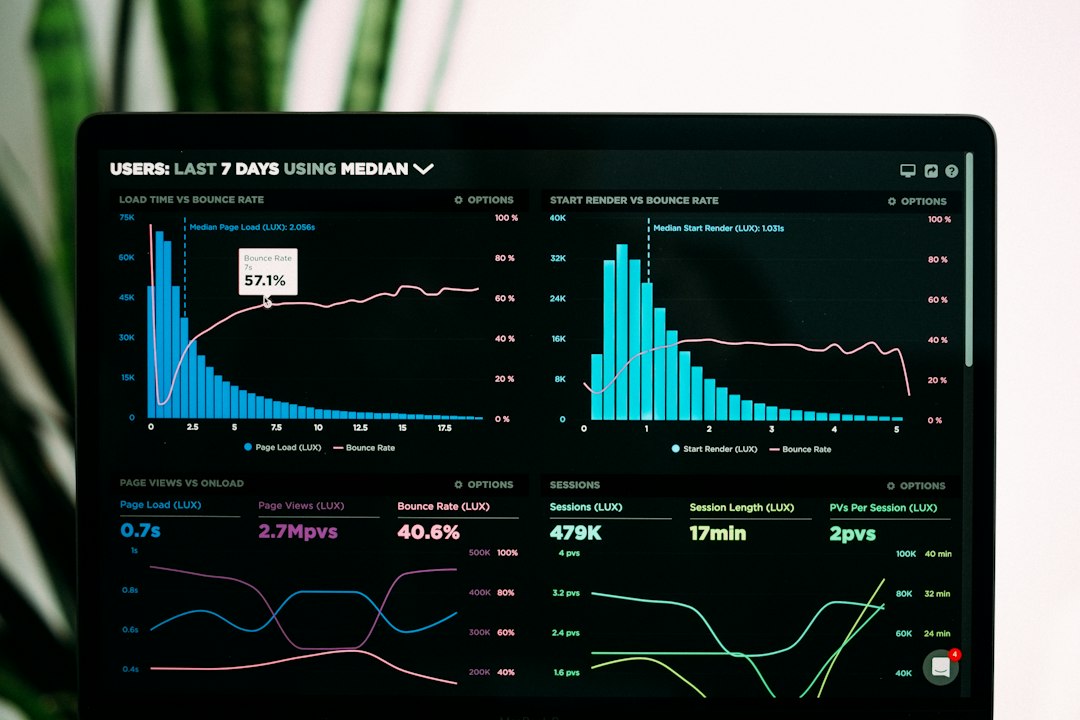
Omneky is made for teams that care about performance data. It uses AI to create ad concepts and match them with campaign results. That makes it useful for brands running serious paid media budgets.
It can help produce static ads, video ads, and campaign ideas. But the real value is in the feedback loop. You create. You test. You learn. Then you create better ads.
Use Omneky if you want:
- Lots of creative testing.
- Ad ideas based on past results.
- Support for paid social campaigns.
- A more structured system for growth teams.
Small teams may find it heavy. If you only run two ads a month, it may feel like ordering a moving truck for one chair.
4. Quickads
Best for: Simple ad creation for small businesses.
Quickads is friendly. That matters. Not everyone wants a tool that feels like a cockpit.
It can help with product ads, social posts, short videos, copy, and creative ideas. It is a good fit for founders, solo marketers, and small ecommerce stores.
You can move from idea to usable ad pretty fast. Add a product. Choose a format. Let the tool suggest visuals and copy. Then edit the parts that sound too robotic.
Quickads is good for:
- Simple product ads.
- Small business campaigns.
- Fast social media content.
- Basic video ad creation.
The annoying bit: you may outgrow it. Bigger teams may want deeper approvals, richer editing, and more control.
5. Canva Magic Studio
Best for: All-purpose marketing visuals and quick video ads.
Canva Magic Studio is not only an ad tool. That is actually the point. It helps with social posts, presentations, flyers, videos, product graphics, and campaign assets.
If your team already uses Canva, this is the easiest switch. You get AI writing, image generation, background removal, resize tools, and video editing in one place.
Canva is great when you need:
- Social ad designs.
- Short promo videos.
- Brand templates.
- Fast edits from non-designers.
It is not always the best for deep ad testing. It also will not replace a full paid media system. But for daily marketing work, it is hard to beat.

Which one should you pick?
- Pick AdCreative.ai for fast ad variants and hooks.
- Pick Creatopy for banner ads and branded visuals.
- Pick Omneky for larger paid ad testing.
- Pick Quickads for simple ads without a steep learning curve.
- Pick Canva Magic Studio for daily design and video work.
If you are replacing Pencil AI, do not chase the tool with the longest feature list. Pick the one that matches your bottleneck.
Need more concepts? Choose AdCreative.ai. Need better production? Choose Creatopy. Need video and general design? Choose Canva. Need performance testing? Choose Omneky. Need something quick and cheap to try? Start with Quickads.
The best tool is the one your team will actually use. Fancy software sitting unused is just a very expensive bookmark.