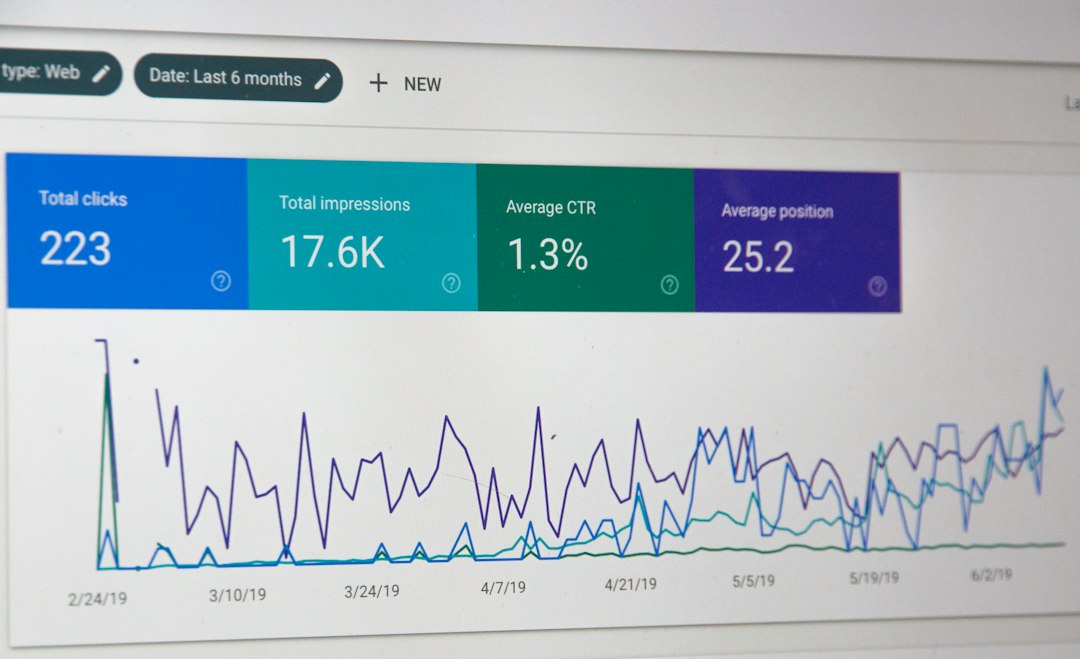
Pick Stripe if you want the quickest start, Adyen if you sell worldwide at serious scale, and Checkout.com if you want deep payment control. Stripe says it supports 135 plus currencies, which helps if your customers are all over the map [source: Stripe]. The best choice depends on your size, tech team, regions, and how much patience you have for setup calls.
TLDR: For most small and growing businesses, Stripe is the easiest pick. For large brands, Adyen and Checkout.com are stronger options. If you process $100,000 per month, even a 0.2% fee difference equals $200 monthly, so pricing details matter. Example: a SaaS startup may choose Stripe today, then move parts of its payment flow to Checkout.com later for better approval rates.

1. Stripe: Best for Fast Setup
Stripe is the “just let me start selling” option. It is clean. It is popular. Developers like it. Founders like that they can test payments without booking three demo calls and losing the will to live.
You get online payments, subscriptions, invoices, fraud tools, tax tools, and marketplace features. The dashboard is simple enough for non-tech people. The API is loved for a reason.
Best for:
- Startups
- SaaS companies
- Online stores
- Marketplaces
- Teams that want to move fast
The catch is… costs can grow as you add extras. International cards, currency conversion, tax, and fraud tools may add up. It still saves time, though. And time is not free.
2. Checkout.com: Best for Payment Control
Checkout.com is a strong choice for bigger online businesses. It focuses on card payments, local payment methods, fraud checks, and approval rates. That last part matters. A failed payment is not just annoying. It is lost money.
Checkout.com gives teams more control over routing and payment data. That is helpful when you operate in many regions. It also works well for brands that care about payment performance, not just payment acceptance.
Best for:
- Mid-market and large companies
- Fintech firms
- Gaming platforms
- Travel brands
- High-volume ecommerce
Honestly, it feels like Checkout.com is built for teams that already know payments are messy. If you want a simple plug-and-play button, it may feel heavy. If you want more control, that weight can be worth it.
3. Adyen: Best for Big Global Brands
Adyen is the big-enterprise machine. It handles online, mobile, and in-store payments. One system can support many regions and payment types. That is great for brands with stores, apps, and websites.
Adyen is used by many large companies. It offers card acquiring, risk tools, local payment methods, and reporting. It is not the cutest tool in the box. But it is serious.
Best for:
- Large retailers
- Global platforms
- Retailers with physical stores
- Enterprise teams
- Brands that need local payment options
The setup can take time. Expect forms. Expect reviews. Expect someone from finance to ask six questions about settlement reports. Still, for scale, Adyen is hard to ignore.
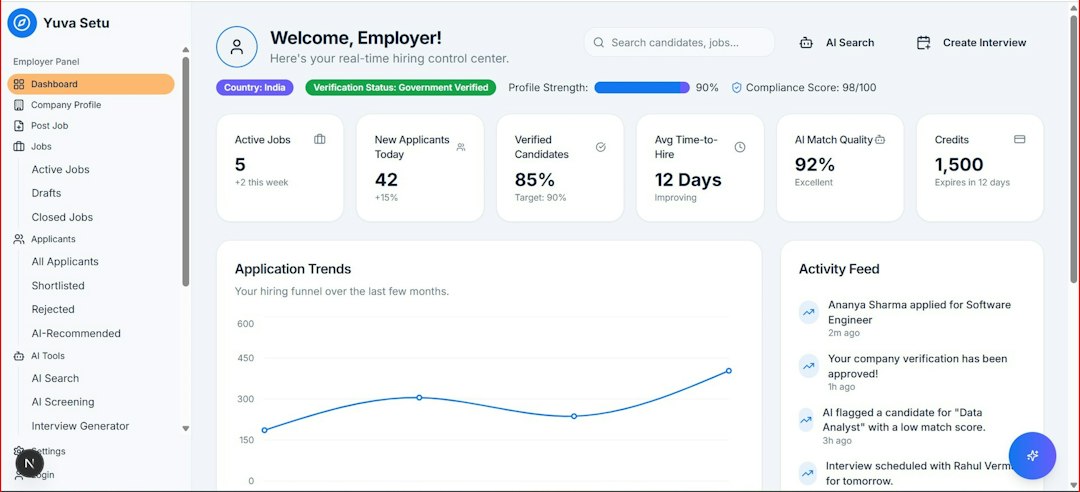
4. PayPal Braintree: Best for PayPal and Venmo Fans
Braintree is owned by PayPal. That gives it one clear advantage. It works well when your customers want to pay with PayPal, Venmo, cards, or digital wallets.
It is useful for apps, marketplaces, and online stores. It also supports subscriptions and recurring billing. If your audience loves PayPal, Braintree can help reduce checkout friction.
Best for:
- US-focused businesses
- Mobile apps
- Marketplaces
- Stores with PayPal-heavy customers
The annoying bit? The dashboard can feel less polished than Stripe. Some users also find support slower than they hoped. Payments are stressful enough. Waiting on support makes it worse.
5. Worldpay: Best for Traditional Scale
Worldpay is one of the older names in payments. It supports online, in-store, and phone payments. It works with many business types, from retail to hospitality.
Worldpay can be a good fit if you need a provider with broad coverage and old-school payment experience. It may also work well for businesses that want both card machines and online checkout.
Best for:
- Retail stores
- Restaurants
- Hotels
- Businesses with mixed online and offline sales
The downside is simple. It may not feel as modern as Stripe or Checkout.com. Pricing can also be harder to compare at first glance. That drives me a little nuts. A clear pricing page should not feel like a treasure hunt.
Quick Comparison
| Platform | Best Use | Main Strength |
|---|---|---|
| Stripe | Startups and SaaS | Fast setup |
| Checkout.com | High-volume online brands | Payment control |
| Adyen | Large global companies | Online and store payments |
| Braintree | PayPal-heavy checkouts | Wallet support |
| Worldpay | Retail and mixed sales | Broad payment coverage |
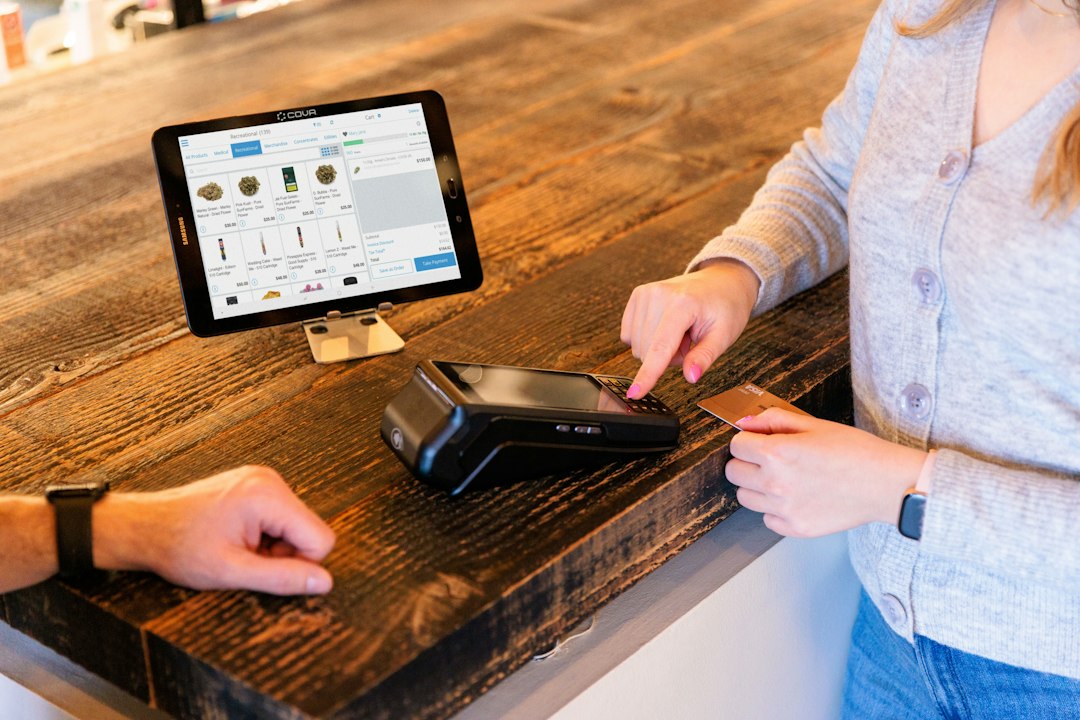
How to Pick the Right One
Use Stripe if you want speed. Use Checkout.com if approval rates and control matter most. Use Adyen if you are large and sell through many channels.
Pick Braintree if PayPal is key for your buyers. Pick Worldpay if you need classic merchant services with online and in-person payments.
Do not choose only by the headline fee. Check failed payment rates, refund tools, support quality, payout timing, and local payment methods. A cheap processor that loses good orders is not cheap. It is just quietly expensive.
Simple rule: small team, choose Stripe. Scaling fast, compare Stripe and Checkout.com. Enterprise brand, test Adyen too. Then run real transactions before signing anything long term.