Buy a refurbished iPhone 14 Pro Max only if the seller proves battery health, repair history, warranty terms, and IMEI status before you pay. This model is still a strong phone, with Apple listing up to 29 hours of video playback for the iPhone 14 Pro Max [source: Apple]. That makes it attractive used, but the wrong unit can cost you more than buying from a safer seller.
TLDR: A good refurbished iPhone 14 Pro Max should have at least 85% battery health, no iCloud lock, clean IMEI, working Face ID, and a clear return policy. For example, if a phone costs 25% less than a new flagship but needs a $99 battery soon, the deal may still be fair only if the seller gives a warranty. Spend 15 minutes checking the phone before payment. It can save weeks of refund stress.
Check the seller before you check the phone
The safest refurbished iPhones usually come from sellers that offer written terms. Look for a minimum 30 day return period. A 90 day or 12 month warranty is better. Avoid listings that say “no returns”, “sold as is”, or “untested”. Those words often mean the risk has been moved to you.
Ask who refurbished the phone. Was it tested by the seller, a repair shop, or Apple? Apple Certified Refurbished products include a new battery, outer shell, and one year warranty, but stock can be limited [source: Apple]. Other sellers can still be fine, but they should list the condition clearly.
- Grade A: light marks, fully tested, usually the best used condition.
- Grade B: visible wear, but should still work properly.
- Grade C: heavy wear, cheaper, higher risk.
Confirm battery health
Open Settings > Battery > Battery Health & Charging. Check Maximum Capacity. For a refurbished iPhone 14 Pro Max, 85% or higher is a reasonable target. Below 80%, the phone may show battery warnings or need service soon.
Do not accept vague claims like “battery is good”. Ask for a screenshot from the phone itself. If you are buying in person, check it with your own hands. Honestly, it feels like some sellers hope buyers will forget this step because the phone looks shiny.
Check IMEI, iCloud, and carrier lock
This is where you avoid the worst mistake: buying a phone that cannot be used. Go to Settings > General > About and find the IMEI. Make sure it matches the box, invoice, or seller listing.
Next, confirm Activation Lock is off. The phone should reset and reach the setup screen without asking for the previous owner’s Apple ID. If it asks for unknown login details, walk away. No discount is worth that problem.
Also check the carrier status. In Settings > General > About, look for Carrier Lock. It should say No SIM restrictions if you want full freedom. Remember that U.S. iPhone 14 models use eSIM only, while many international units still have a physical SIM tray. Check this before travel or switching networks.
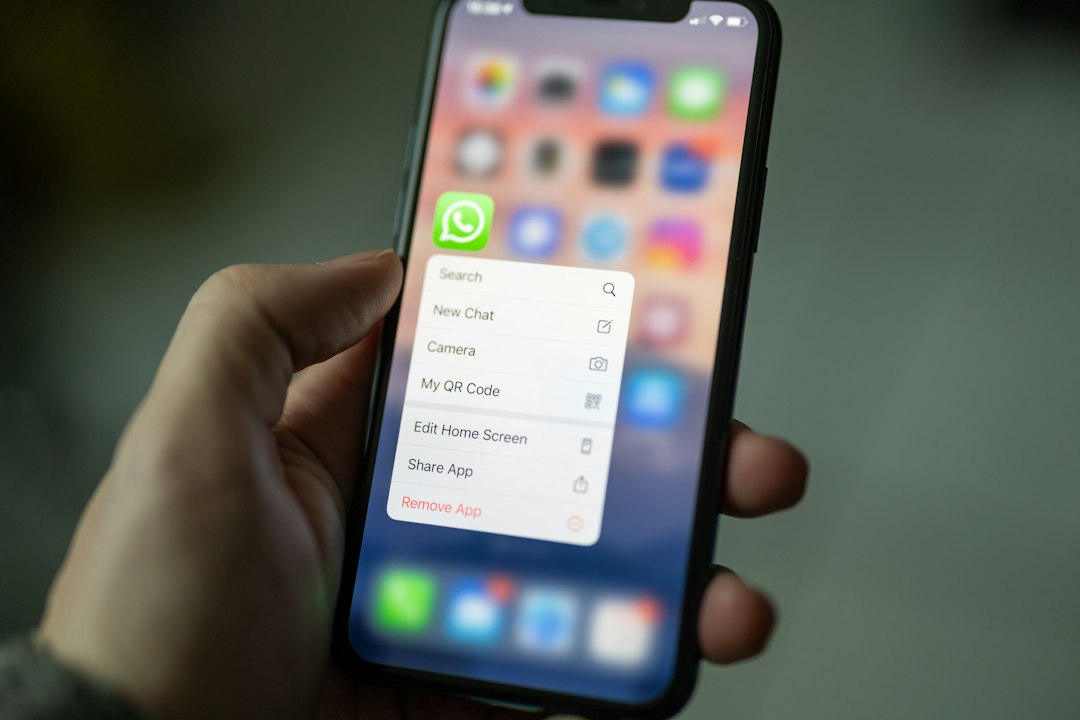
Inspect the screen and body
The iPhone 14 Pro Max has a large OLED display, so screen issues can be costly. Check for scratches, dead pixels, green tint, burn in, and uneven brightness. Open a white page, a black image, and a gray image. Look closely.
Test True Tone, brightness, and touch response. Swipe across the whole screen. Type a few words. Move icons around. A cheap replacement screen can look fine for ten seconds, then fail basic touch tests.
Inspect the frame, camera rings, back glass, buttons, and charging port. Small marks are normal. Deep dents near corners can mean the phone was dropped hard. That may affect water resistance, even if everything works today.
Test Face ID, cameras, microphones, and speakers
Face ID must work. If it does not, repairs can be expensive. Set it up from scratch if possible. It should scan your face smoothly and unlock quickly.
Then test every camera mode. Use the main lens, ultra wide lens, telephoto lens, portrait mode, video, cinematic mode, and flash. Check both front and rear cameras. Listen for odd clicking from the camera module.
Record a short video and play it back. Make a voice memo. Call someone on speaker. Test the earpiece too. It drives me crazy that audio faults often show up only after a buyer gets home, so spend the extra two minutes now.
Look for repair history warnings
On iOS, go to Settings > General > About and look for Parts and Service History. You may see notes about the battery, display, or camera. Genuine Apple parts are best. Unknown parts are not always bad, but they lower value and raise risk.
If the seller claims the phone is “like new” but the phone shows unknown display or battery parts, ask for a lower price or choose another unit. Refurbished does not mean perfect. It should mean tested, honestly described, and fairly priced.
Check storage and model details
The iPhone 14 Pro Max came in 128GB, 256GB, 512GB, and 1TB versions. Do not guess. Confirm storage in Settings > General > iPhone Storage. If you shoot lots of 4K video, 128GB may feel tight fast.
Also check the model number and region. Some features, SIM support, and warranty handling can vary by market. Match the phone to your real use, not just the lowest price.
Use a practical buying checklist
- Battery: 85% or higher is preferred.
- IMEI: clean and matching the listing.
- iCloud: no Activation Lock.
- Carrier: unlocked unless you accept a locked phone.
- Display: no dead pixels, burn in, or touch faults.
- Face ID: working during setup.
- Cameras: all lenses tested.
- Warranty: written return policy, not a verbal promise.
A refurbished iPhone 14 Pro Max can be a smart buy. Treat it like a used car, not a sealed accessory. Verify the facts, test the basics, and avoid rushed sellers. If the price is fair and the checks pass, you can get flagship performance without paying flagship launch pricing.