Choose Uizard if you need a mature AI interface design workflow for wireframes, prototypes, and team reviews; choose Designi AI if your main goal is fast visual concept generation and you prefer a lighter, idea-first process. The better tool depends less on “AI power” and more on what happens after the first screen is generated. If your team must turn concepts into reviewed, clickable product flows, Uizard is usually the safer pick.
TLDR: Uizard is stronger for structured UI work, especially when a founder, product manager, or small team needs to move from prompt to editable wireframe to prototype. Designi AI is useful when you want quick interface ideas without building a full design system first. For example, a startup testing three onboarding flows could use Uizard to create and review a clickable prototype in one afternoon, cutting early mockup time by roughly 40–60% compared with manual wireframing. Designi AI is better when the same team needs ten visual directions before choosing one.
What these tools are trying to solve
AI interface design tools promise a simple result: describe a product screen, and get a usable UI draft. That sounds great. It also hides the hard part. A screen is not enough. Real interface work needs user flows, layout control, component consistency, responsive behavior, feedback states, and clear handoff.
Uizard is built around rapid wireframing and prototyping. It is aimed at non-designers as much as designers. Product managers, founders, marketers, and early-stage teams can upload screenshots, scan sketches, or start from prompts. The output can then be edited into a more complete mockup.
Designi AI is better understood as an AI-assisted design generator for quick UI concepts and visual ideation. It suits users who want to spark ideas, compare layouts, or produce interface directions without spending much time setting up files. It can help when the blank canvas is the problem.
Designi AI strengths
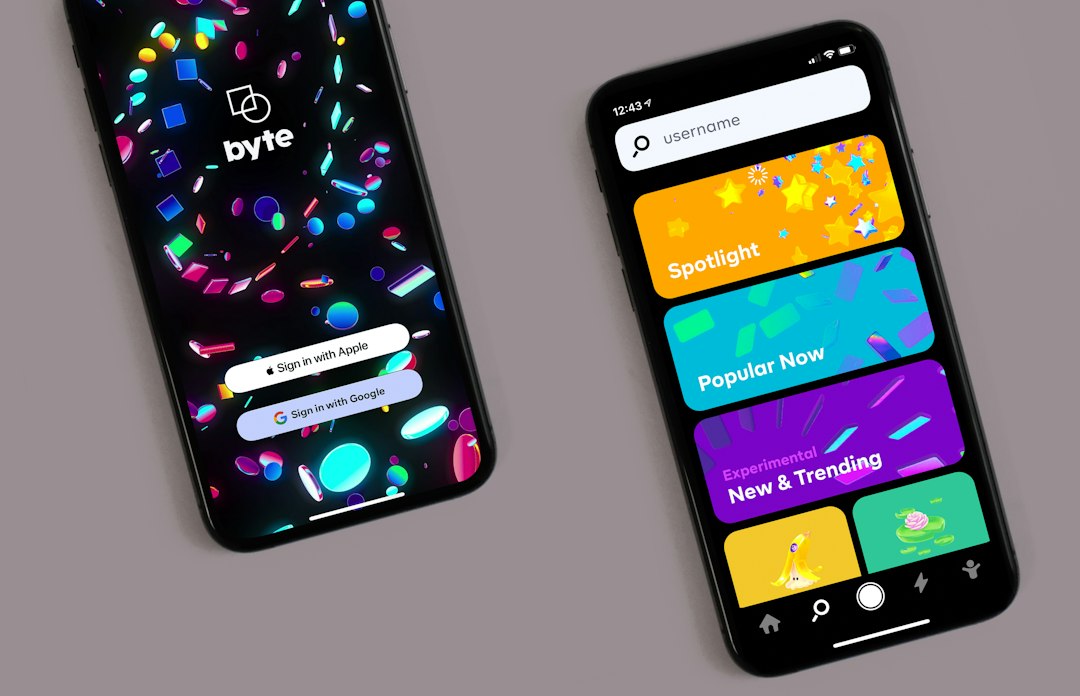
Designi AI’s main strength is speed at the concept stage. You can use it to create variations of landing pages, dashboards, mobile screens, or app sections. That is useful when the team is still asking basic questions: Should the dashboard be card-based? Should onboarding be friendly or formal? Should the first screen push signup or product value?
Designi AI works best when:
- You need visual directions, not a finished product plan.
- You want many screen ideas in a short session.
- You are preparing mood boards or early stakeholder discussions.
- You are not ready to build a strict design system.
- You need inspiration for layout, hierarchy, and presentation.
The catch is that fast generation can create false confidence. A generated screen may look polished, but still fail basic usability checks. Button hierarchy may be weak. Spacing may feel off. Forms may miss error messaging. A dashboard may include attractive charts that do not match real product data.
That does not make Designi AI weak. It means it should be used for what it does well: creative starting points. Treat the output as a draft, not a decision.
Uizard strengths
Uizard is stronger when the work must become a real product conversation. Its value comes from the full path: prompt, screen, edit, prototype, review. This matters for business teams. A founder does not just need a nice login screen. They need an onboarding path, pricing step, empty state, dashboard view, and maybe a settings page too.
Uizard is a better fit when:
- You need wireframes for a product meeting.
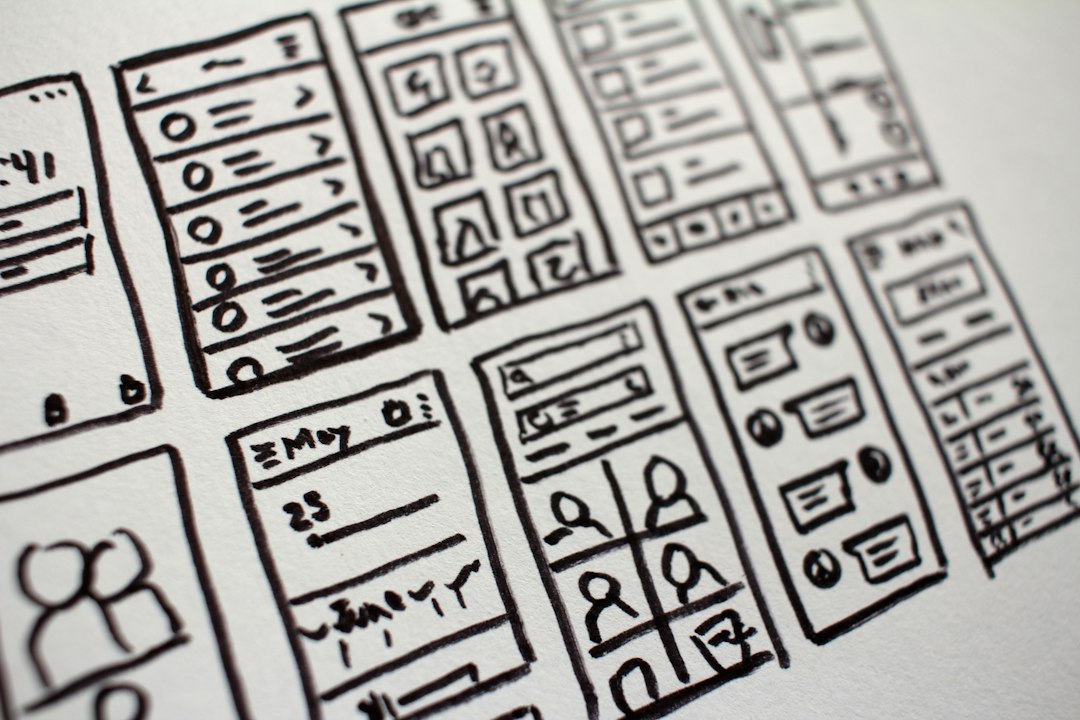
- You want to turn hand-drawn sketches into digital mockups.
- You need clickable prototypes for feedback.
- You work with non-designers who still need to edit screens.
- You want a clearer bridge from idea to product specification.
Uizard also tends to feel more practical for repeatable work. You can build a simple app flow, test the order of screens, and show stakeholders something tangible. Honestly, it feels like that is where many AI design tools fall short. They impress for five minutes, then leave you cleaning up disconnected screens. Uizard reduces that pain better than most lightweight generators.
Designi vs Uizard: key comparison
| Category | Designi AI | Uizard |
|---|---|---|
| Best use | Fast visual concepts and UI inspiration | Wireframes, prototypes, and product flows |
| User type | Creators, early founders, marketers, designers seeking ideas | Product teams, founders, UX teams, non-designers |
| Output quality | Strong for first impressions | Stronger for structured interface planning |
| Editing depth | Good for quick changes, depends on workflow | Better for modifying screens and flows |
| Prototype support | Less central to the experience | A core reason to use the tool |
Where each tool can frustrate you
Designi AI can produce attractive concepts that still need heavy review. Expect to waste time on small corrections if you try to turn an AI concept into a production-ready interface too soon. The issue is rarely “bad design.” It is usually missing logic. A checkout screen may look clean but forget coupon errors, loading states, or payment failure messages.
Uizard has its own friction. AI-generated screens still need cleanup. Some layouts may feel generic, and you may spend extra time adjusting labels, spacing, and visual hierarchy. In a quick test workflow, even small edits can add 20 or 30 seconds per screen. Across a 20-screen prototype, that becomes noticeable.
Still, the cleanup in Uizard often serves a clearer purpose. You are shaping a flow. With Designi AI, cleanup may feel more like converting a visual idea into a product artifact.
Which one is better for startups?
For most startups, Uizard is the stronger first choice. Early teams need shared understanding more than visual polish. A clickable prototype helps investors, developers, and users react to the same idea. It also exposes weak product logic faster.
Designi AI still has a role. Use it before Uizard if your team has no visual direction. Generate several screen styles. Pick one or two. Then rebuild or refine the chosen path in a more structured tool.
A practical workflow could look like this:
- Use Designi AI to generate 5–10 interface directions.
- Select the strongest two based on clarity, brand fit, and user goals.
- Use Uizard to build a clickable version of the chosen flow.
- Run feedback with 5 users or internal reviewers.
- Revise before asking a designer or developer to commit serious time.
Which one is better for designers?
Professional designers may find both tools useful, but not as replacements for serious UX work. Designi AI can speed up mood exploration. Uizard can help with quick stakeholder prototypes. Neither removes the need for user research, accessibility checks, content strategy, or design system discipline.
For designers, the main value is compression. Tasks that once took half a day can become a 45-minute draft session. That is meaningful. Yet final quality still depends on human judgment.
Final recommendation
Pick Uizard if you need reliable progress from idea to prototype. It is the better option for product teams, founders, and anyone who must explain an app flow clearly. Pick Designi AI if you need fast creative options before committing to a direction. It is stronger as an idea generator than as a full product design workspace.
The smartest choice may be using both in sequence. Start broad with Designi AI. Then get practical with Uizard. That gives you speed without pretending that an AI-generated screen is the same thing as a tested interface.